Install Go language and display hello world (Go言語のインストールとhello worldの表示)

Install GO language on Windows 10.

Windows 10にGO言語をインストールします。

I installed GO language by referring to the following site.

私は下記のサイトを参考にしてGO言語をインストールしました。

There are three ways to install the GO language on Windows.

WindowsにはGO言語をインストールする方法が3つあります。

私はChocolateyを使用しました。

I used Chocolatey.

Step 1: Install Chocolatey

ステップ 1:Chocolateyのインストール

Step 1-1: Open the command prompt and execute the following command

ステップ 1-1: コマンドプロンプトを開き、下記のコマンドを実行する


[@”%SystemRoot%\System32\WindowsPowerShell\v1.0\powershell.exe” -NoProfile -InputFormat None -ExecutionPolicy Bypass -Command ” [System.Net.ServicePointManager]::SecurityProtocol = 3072; iex ((New-Object System.Net.WebClient).DownloadString(‘https://chocolatey.org/install.ps1’))” && SET “PATH=%PATH%;%ALLUSERSPROFILE%\chocolatey\bin”]


(Please execute the command prompt with administrator privileges.)

(コマンドプロンプトは管理者権限で実行してください。)

※The commands are at Install with cmd.exe in the Chocolatey documentation.

※コマンドはChocolateyのドキュメントにあるInstall with cmd.exeに書かれています。

Step2 :Go language installation

ステップ2:Go言語のインストール

Step 2-1: Open the command prompt and execute the following command

ステップ 2-1: コマンドプロンプトを開き、下記のコマンドを実行する

[choco install golang]

(Please execute the command prompt with administrator privileges.)

(コマンドプロンプトは管理者権限で実行してください。)

Step 3:Register GOPATH / bin in PATH

ステップ3:PATHにGOPATH/binを登録する

Step 3-1:Add the following path to the edit of the environment variable name

ステップ3-1:環境変数名の編集に下記のパスを新規追加する

[%GOPATH%\bin]

Step 4:Check the version of GO language

ステップ 4:GO言語のバージョンを確認する

Step 4-1:Restart command prompt

ステップ 4-1:コマンドプロンプトを再起動する

Step 4-1:Execute the following command

ステップ 4-1:下記のコマンドを実行する

[go version]

Step 4-2:It is correct if the command prompt result is as follows

ステップ 4-2:コマンドプロンプトの結果が下記だと正しい

[go version go1.10.2 windows/amd64]

Step 5:Check the version of GO language

ステップ 5:Go言語の標準的なパッケージマネージャdepコマンドのインストール

Step 5-1:Execute the following command

ステップ 5-1:下記のコマンドを実行する

[go get -u github.com/golang/dep/cmd/dep]

Step 5-2:Confirm the installation with the following command

ステップ 5-2:下記のコマンドでインストールを確認する

[dep version]

Step 5-3:It is correct if the command prompt result is as follows

ステップ 5-3:コマンドプロンプトの結果が下記だと正しい

[ dep: version : devel build date : git hash : go version : go1.10.3 go compiler : gc platform : windows/amd64 features : ImportDuringSolve=false ]

※If git is not installed, install it from below

※gitがインストールされていない場合は、下記からインストールする

https://git-scm.com/downloads

Step 6:Create an appropriate folder

ステップ 6:適当なフォルダを作成する

Step 6-1:Create an appropriate file

ステップ 6-1:適当なファイルを作成する

Step 6-1:Write the following code in the file

ステップ 6-1:ファイルに下記のコード書く

[ package main import “fmt” func main(){ fmt.Println(“hello world”) } ]

Step 6-2:Go to the folder from the command prompt and execute the file

ステップ 6-2:コマンドプロンプトからフォルダに移動して、下記のコマンドでファイルを実行する

Step 6-3:Go to the folder from the command prompt and execute the file with the following command

ステップ 6-3:コマンドプロンプトからフォルダに移動してファイルを実行する

Step 6-4:It is correct if the command prompt result is as follows

ステップ 6-4:コマンドプロンプトの結果が下記だと正しい

[Hello world]
カテゴリー: programming | コメントする

Count the number of items in CSV CSVの項目数を数える

The other day I wanted to find out the number of items in small CSV data.
先日、小さなCSVの項目数を数えたかった。
I made it because there was no web application.
でも、WEBアップが無かったので作りました。
I wrote at JavaScript.
私はJavaScriptで書きました。
So your CSV data is safe.
だから、貴方のCSVデータは安全です。
https://a.voix.work/csv_count

カテゴリー: programming | コメントする

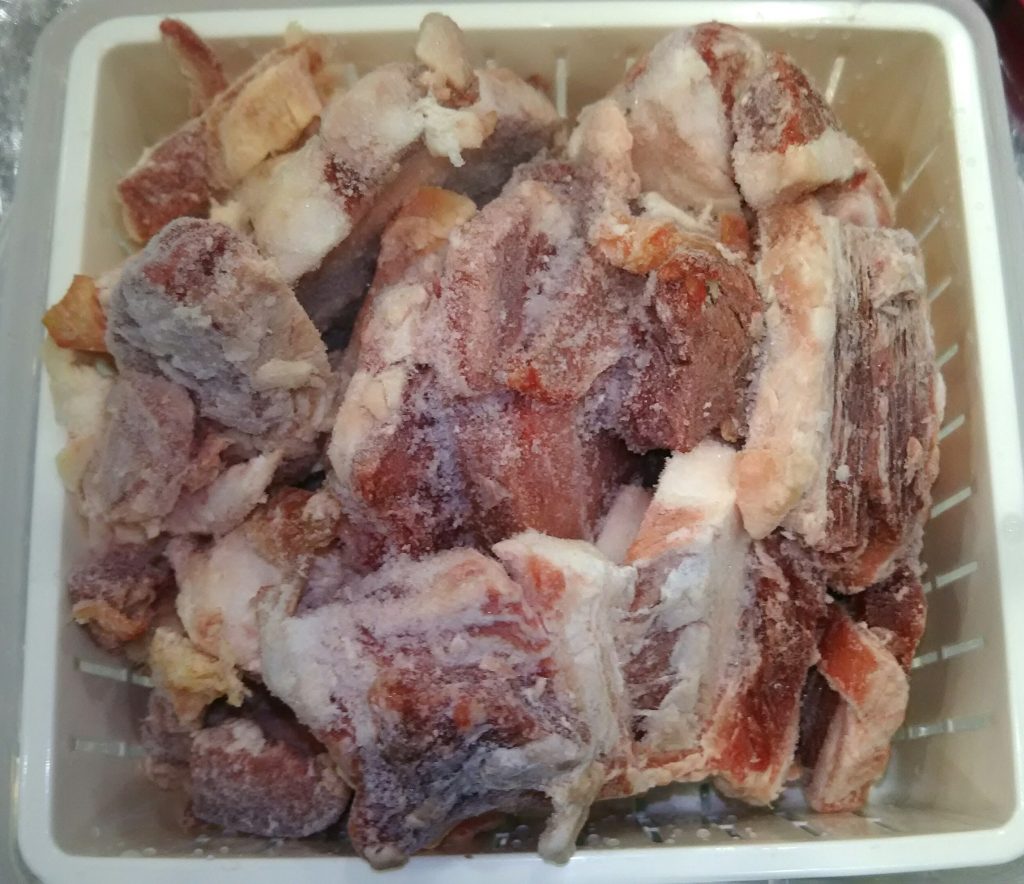
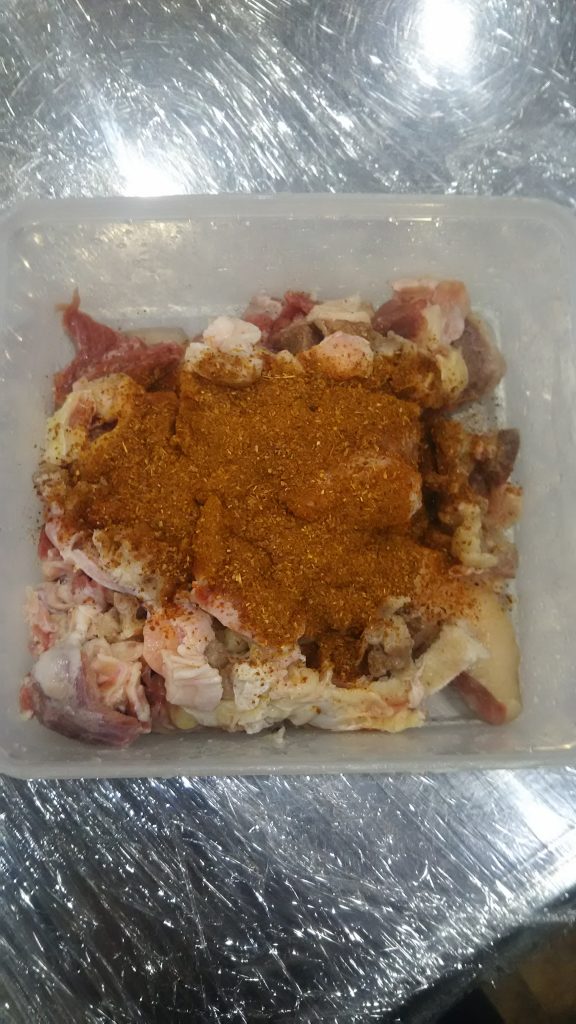
cook the Indian curry third time 3回目のインドカレー

カテゴリー: Diary | コメントする

cook the Indian curry second time 2回目のインドカレー

DSC_0485
DSC_0492
DSC_0496
DSC_0501
カテゴリー: Diary | コメントする

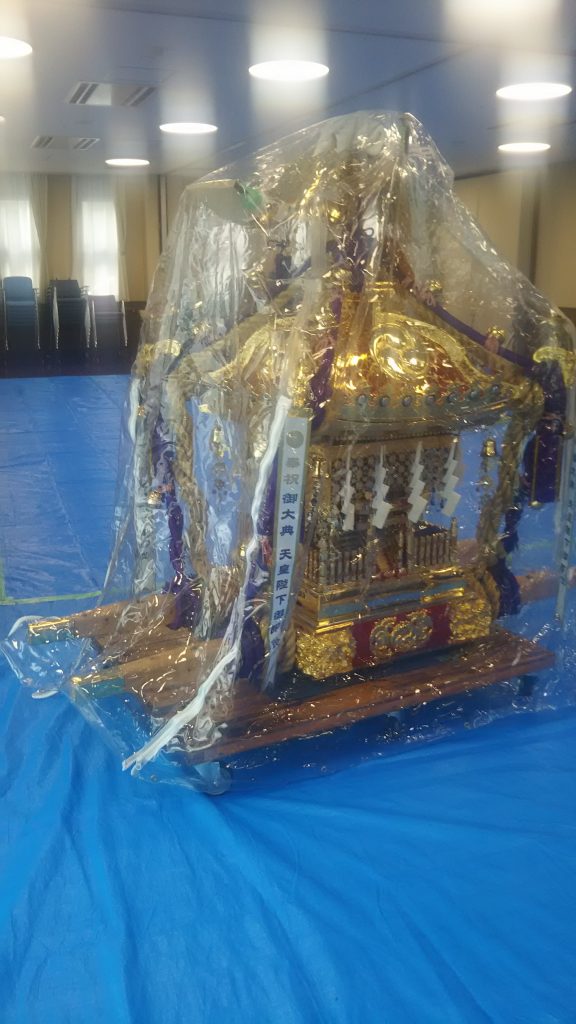
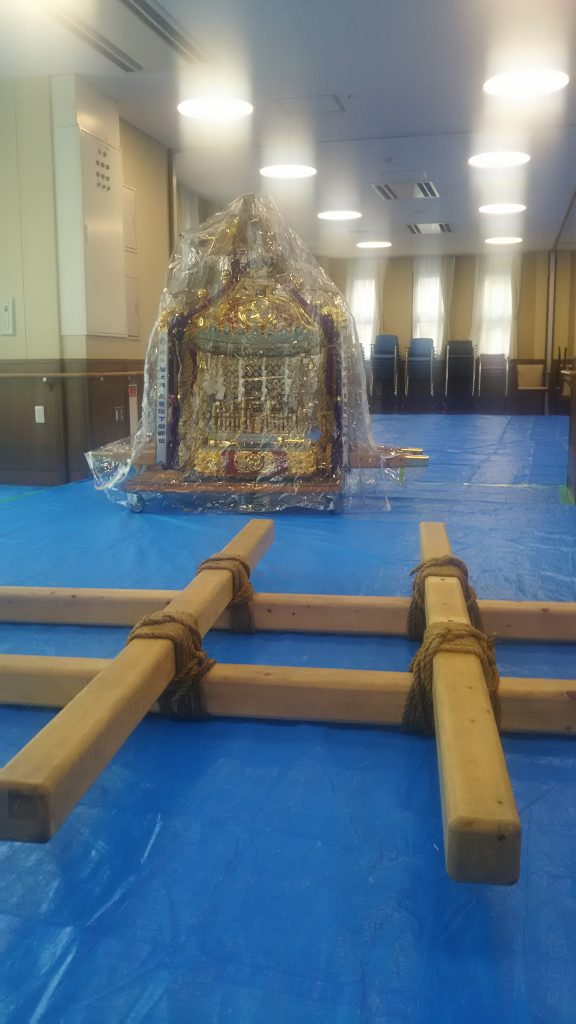
Japanese festival 日本のお祭り

DSC_0415
DSC_0416
DSC_0424
DSC_0429
DSC_0433
DSC_0440

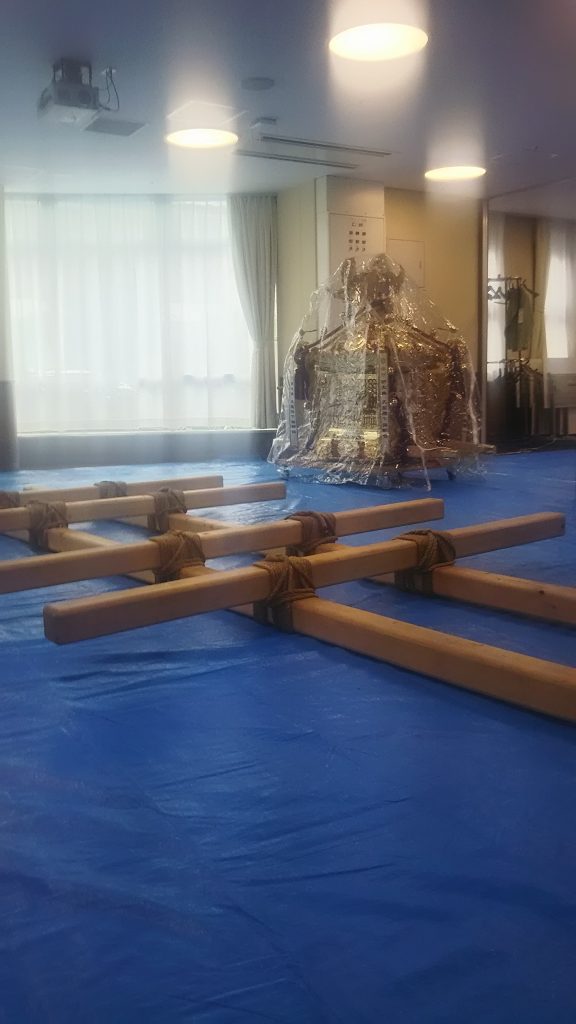
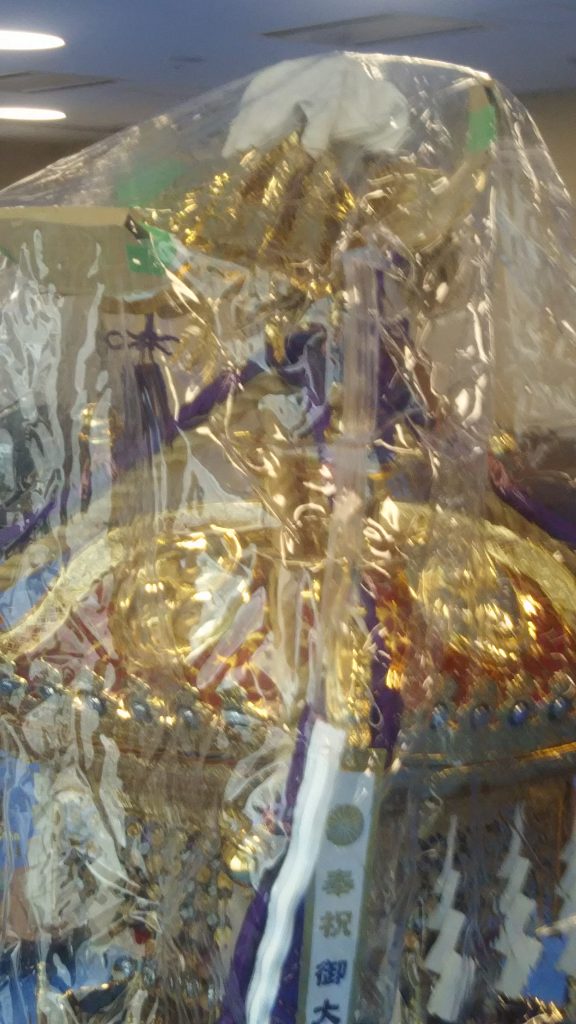
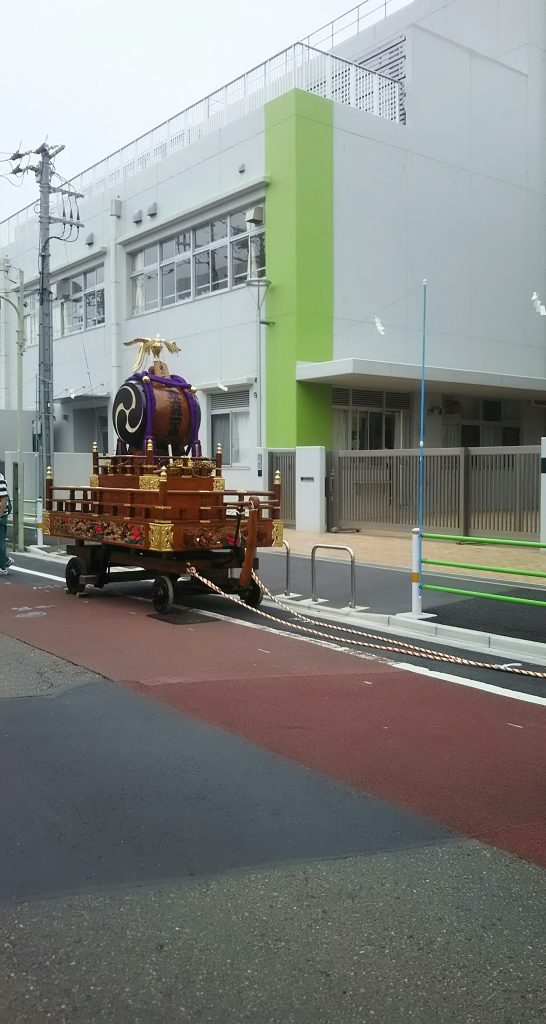
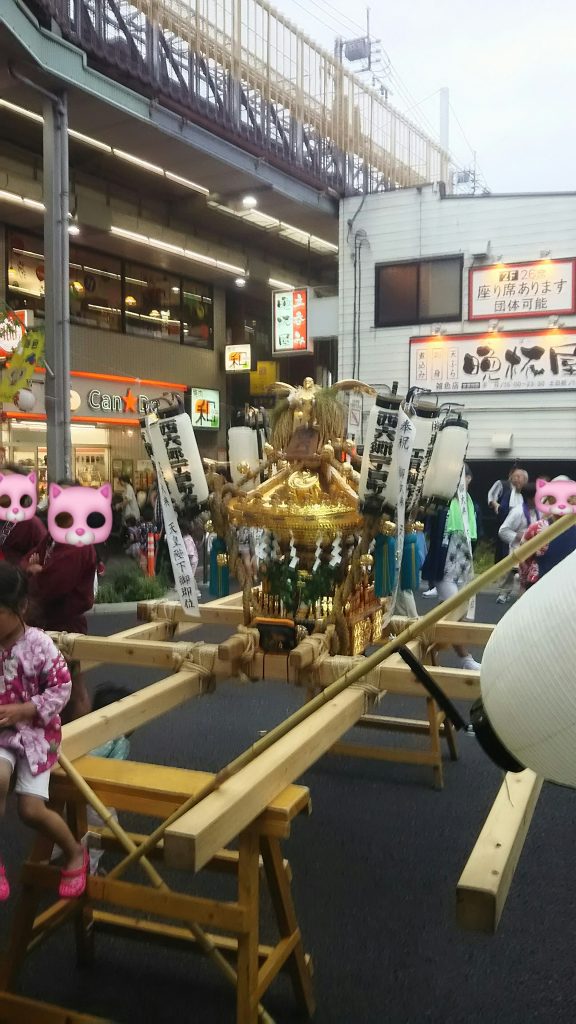
Few days ago I was invited by a friend to help prepare for the festival.
数日前、私は祭りの準備を手伝いを友人から誘われました。
That was three days before the day.
それは当日の三日前でした。
So my role was a chore of the day.
だから私の役割は当日の雑用でした。
However, I was very happy because I was the first time to participate in the preparation of the festival.
しかし、私はお祭りの準備に初めて参加したのでとても嬉しかったです。

カテゴリー: Diary | コメントする

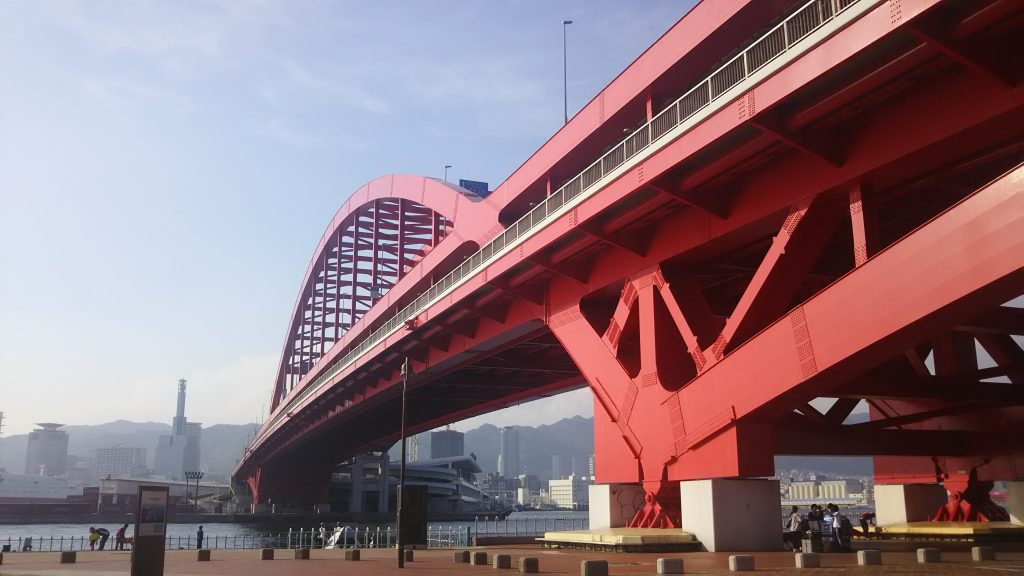
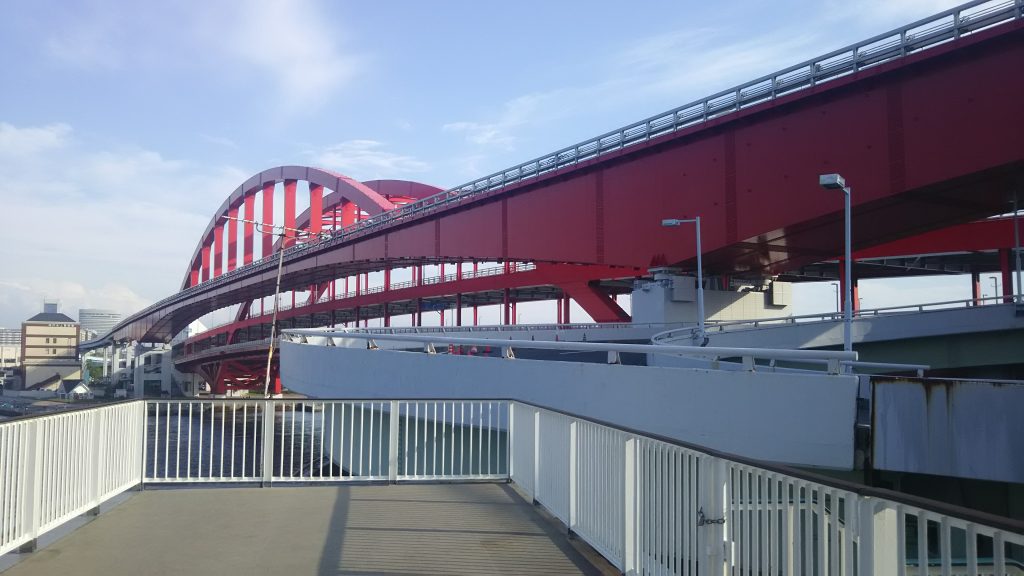
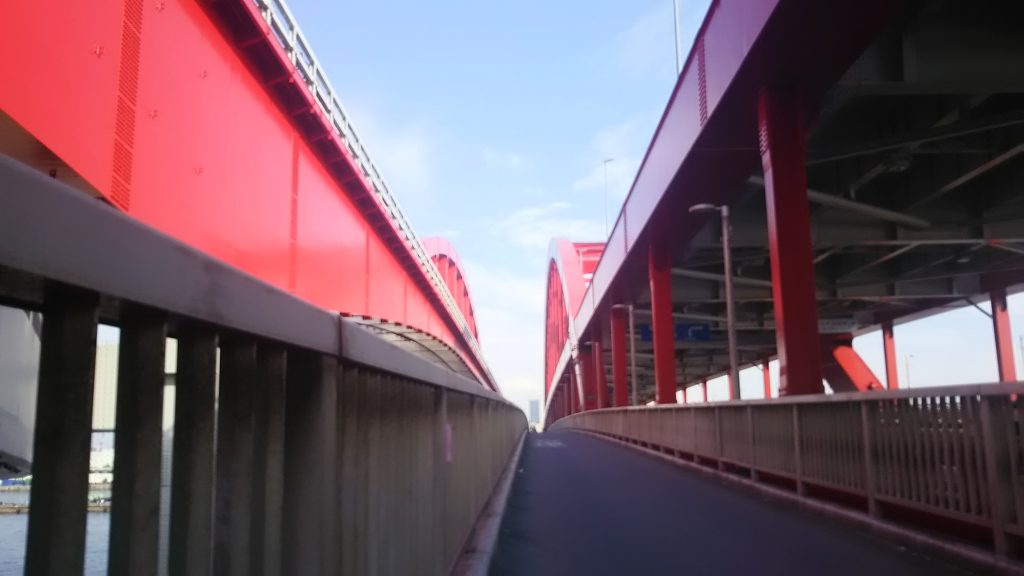
Kobe Bridge 神戸大橋

DSC_0226
DSC_0210
DSC_0215

I like the Fate/stay night.
私はフェイトスティナイトが好きです。
The Fate are in a variety of series.
運命はさまざまなシリーズにあります。
For example, there are Fate/EXTRA, Fate/kaleid liner, Fate/Grand Order, Fate/Zero, and Fate/stay night.
例えば、Fate/EXTRA、Fate/kaleid liner、Fate/Grand Order、Fate/Zero、そして、Fate/stay nightがあります。
There are others, but the best is Fate/stay night.
他にもありますが、最高のものはFate/stay nightです。
The stage of the Fate/stay night is based on Kobe City and Akashi City of Japan.
Fate/stay nightの舞台は神戸市と明石市です。

Kobe Ohashi is used in some important scenes in it.
神戸大橋はその中の重要な場面で使われています。
So I went there with my friends.
だから、私は友達とそこに行ってきました。
I took some picture, but the composition and the scene are roughly.
私はいくつかの写真を撮りました、しかし構図と場面は大体です。
Real fans particular the composition and the scene.
本物のファンはその構図とシーンにこだわっています。

The place where became model of animation is called a holy place in Japan.
アニメのモデルとなった場所は日本では聖地と呼ばれています。
There are other holy places of Fate in Kobe, so I will go there next time.
他にもフェイトの聖地は他にもあるので、私は今度そこに行くつもりです。

カテゴリー: AlarmVoice | コメントする

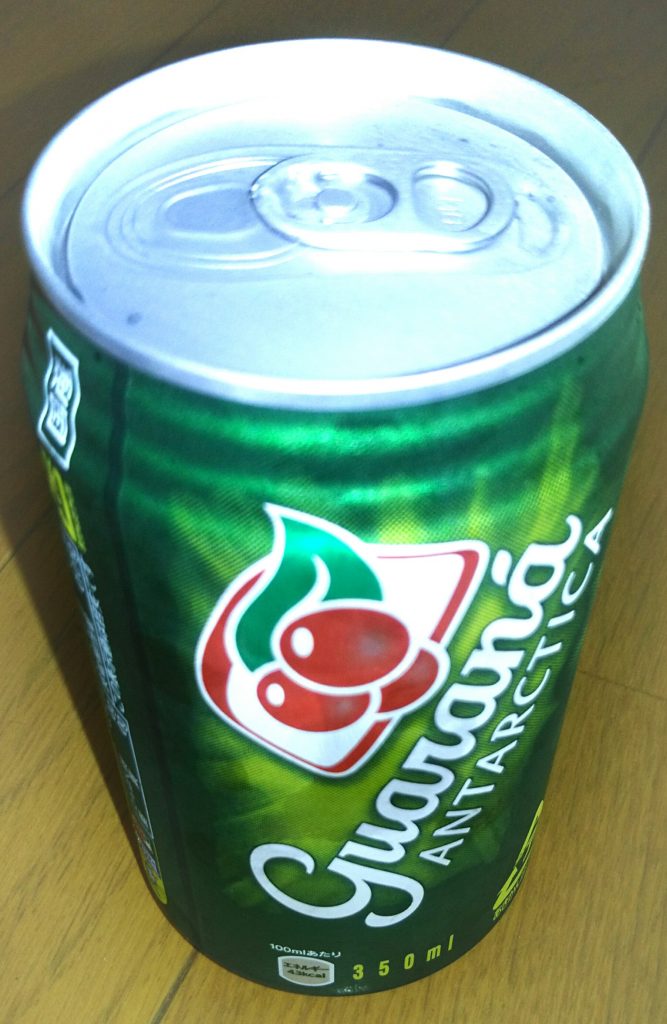
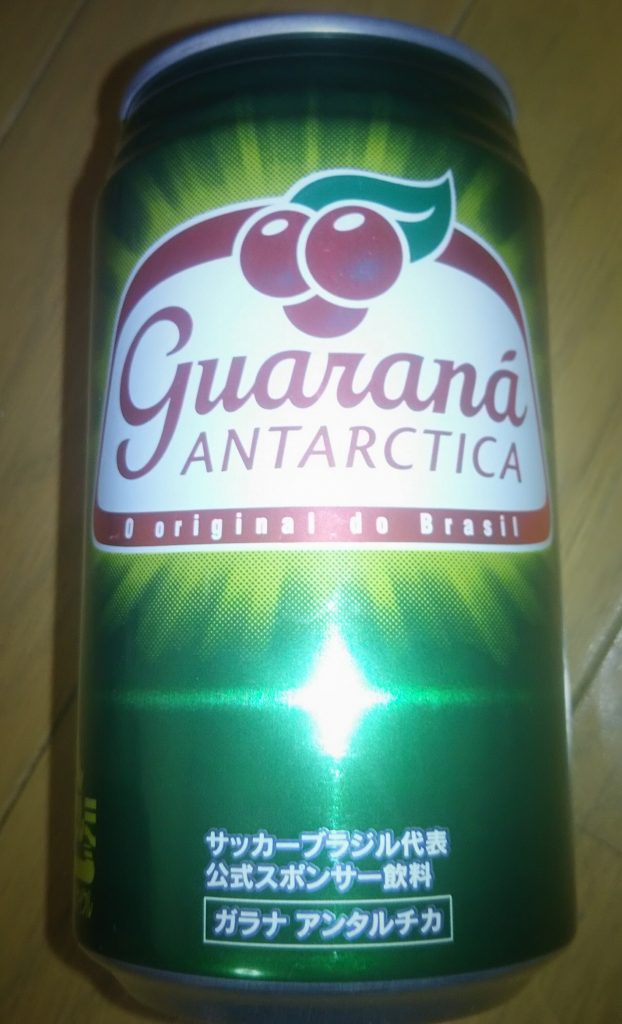
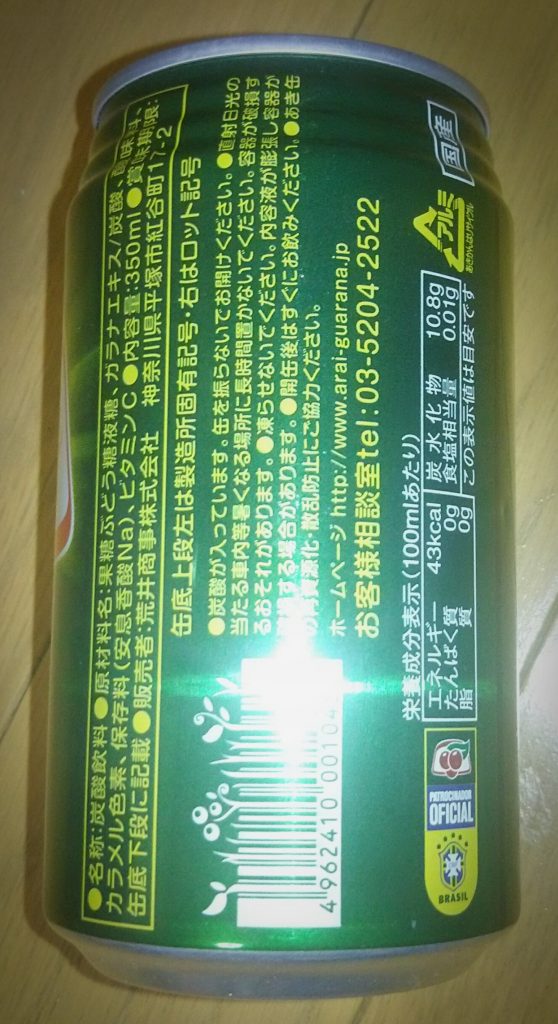
Guaraná ガラナ

DSC_0423
DSC_043
DSC_0428

The other day I drank guarana juice.
先日、ガラナジュースを飲みました。
I got it from him when I went to the supermarket with a Brazilian friend.
私はブラジルの人の友達とスーパーに行った時に彼からそれをにもらいました。
It was my second time in my life to drink it.
私はそれを飲むのは人生で2回目でした。
I drank it for the first time when I went to a Brazilian restaurant with him.
私がそれを初めて飲んだのは、彼とブラジル料理のお店に行った時でした。
But I did not remember the taste.
しかし、私はその味を覚えていませんでした。
At the time, I spent one Brazilian and three Indians.
その時、私はブラジル人1人とインド人3人といました。
They all can speak English but I can not.
彼ら全員英語を話すことができますが、私はできません。

I became panic and don’t remember much about its taste.
私はパニックになり、その味についてあまり覚えていません。
I felt like the Sweet Ginger Ale When I drank this time.
今回飲んだとき、私はスウィートジンジャーエールのように感じました。
I will mix it with whiskey next time.
次回はウイスキーと混ぜます。

カテゴリー: AlarmVoice | コメントする

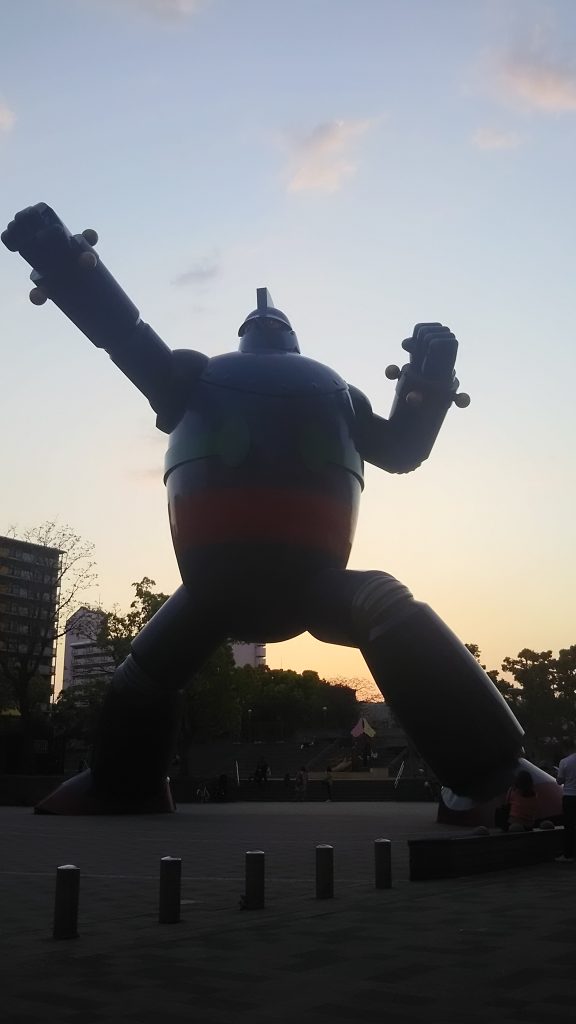
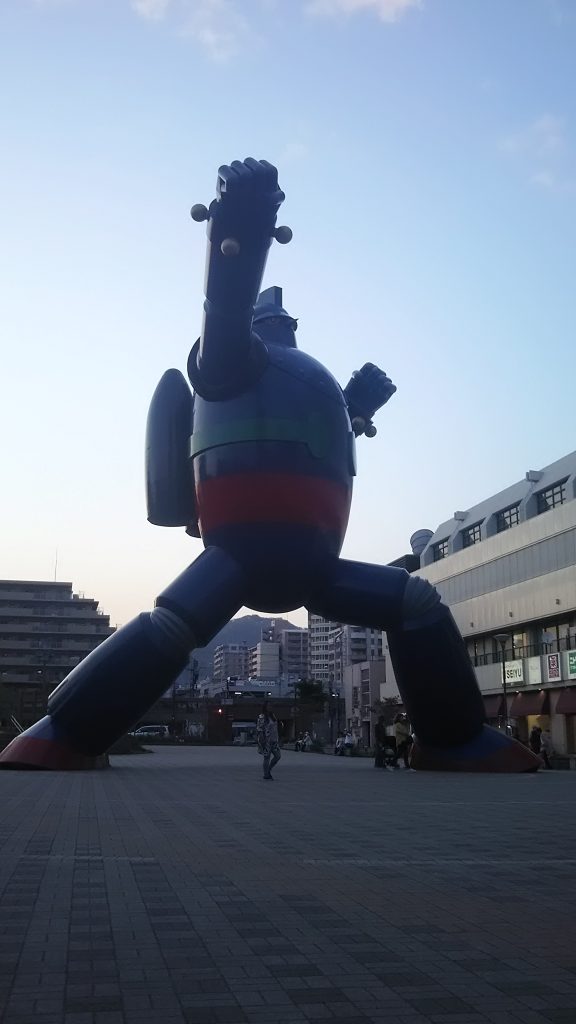
Gigantor 鉄人28号

DSC_0241
DSC_0249

Do you know the Gigantor?
貴方はGigantorを知っていますか?
I did not know.
私は知りませんでした。
Its Japanese name is TETSUJIN 28 GO.
日本の名前は鉄人28号です。
Actually I was not interested in it.
実は私はそれに興味がありませんでした。
And I am not interested even now.
そして今でも興味がありません。
But I followed my freined because he was interested in Gigantor.
しかし、私の友達が鉄人28号に興味があったので私は友人について行きました。

I was surprised at the size of the statue.
私はその像の大きさに驚いた。
The statue was bigger than my image.
その像は私の像より大きかった。
If I was a primary school student, I might have been attracted by the Gigantor.
私が小学生だったとしたら、私はGigantorに心惹かれていたかもしれません。
However, I was already middle age, so I calmly took some pictures.
しかし、私はすでに.おっさんだったので、私は静かにいくつかの写真を撮りました。

By the way, this statue of Gigantor is in Kobe City, Hyogo Prefecture.
ところで、このGigantorの像は兵庫県の神戸市にあります。
There is the statue on the square about 10 minutes walk from Shin-Nagata Station in JR West Japan.
JR西日本の新長田駅から徒歩約10分の広場に像があります。
If you have the opportunity, please go there.
機会があれば、ぜひ行ってください。

カテゴリー: Diary | コメントする

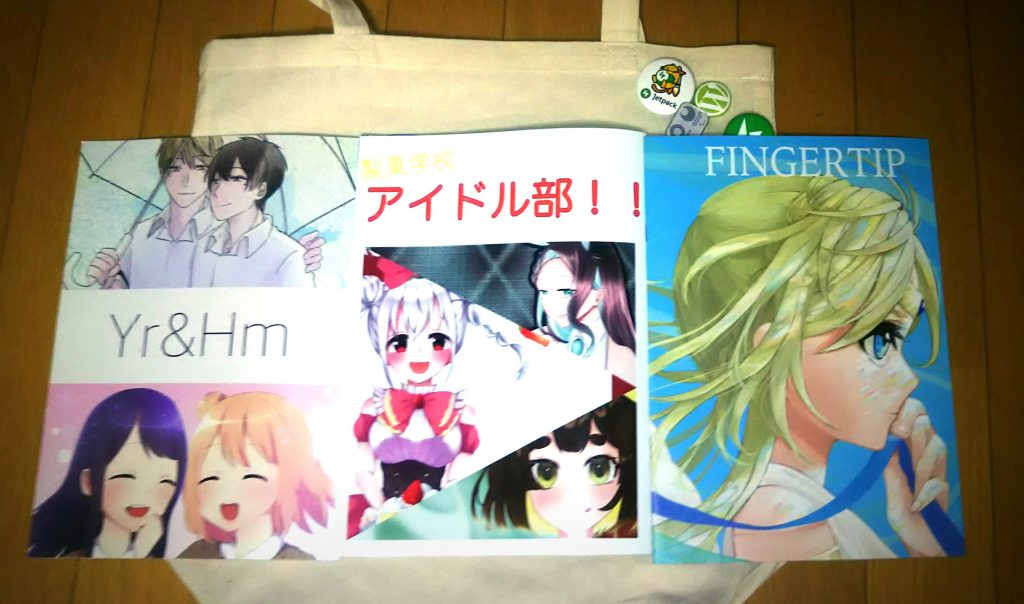
COMITIA128 コミティア128

DSC_0290

Do you know COMITIA?
あなたはCOMITIAを知っていますか?
It was not until I saw Ms.Sasakure(@33kule)’s tweet that I knew it.
私はささくれさんのツイートを見て、はじめて知りました。
She is providing some illustrations for my app.
彼女は私のアプリのためにいくつかのイラストを提供しています。
COMITIA128 was held on May 12, 2019.
コミティア128は2019年5月12日に開催されました。
The venue was Tokyo Big Sight Aomi Exhibition Building A and B.
開催場所は東京ビッグサイト青海展示棟A・B でした。
COMITIA is original independence comic exhibition.
コミティアは自主制作漫画誌展示即売会です。
I decided to go because I had free time on that day.
その日は空き時間があったので行くことにしました。

She was not there when I visited her booth.
私がブースを訪問したとき、彼女はそこにいませんでした。
Instead there were two very cute women there.
その代わりに、そこにはとてもかわいい女性が二人いました。
They told me that Ms.Sasakure will come in a little more.
彼女たちはささくれさんはもう少しで来ると教えてくれました。
I decided to look around the venue.
私は会場を見回ってみる事にしました。

The venue was wide, but not as big as the comic market.
会場は広かったが、漫画市場ほど大きくはなかった。
I went around the hall and returned to her booth.
私は会場を一回りして彼女のブースに戻りました。
I think it was about 25 minutes.
だいたい25分くらいだったと思います。
There was a third cute woman when I returned.
私が戻ったときに3人目のかわいい女性がいました。
I greeted her a little and then bought their books.
私は彼女に少し挨拶してから本を買いました。
I bought three books and attach the image to the beginning of this page.
私は3冊の本を買って、このページの始めにイメージを付けます。
The recommendation for each book is the seventh on the left, the third on the middle, and February on the right.
各本の推薦は、左の7番目、中央の3番目、そして右側の2月です。

カテゴリー: Diary | コメントする

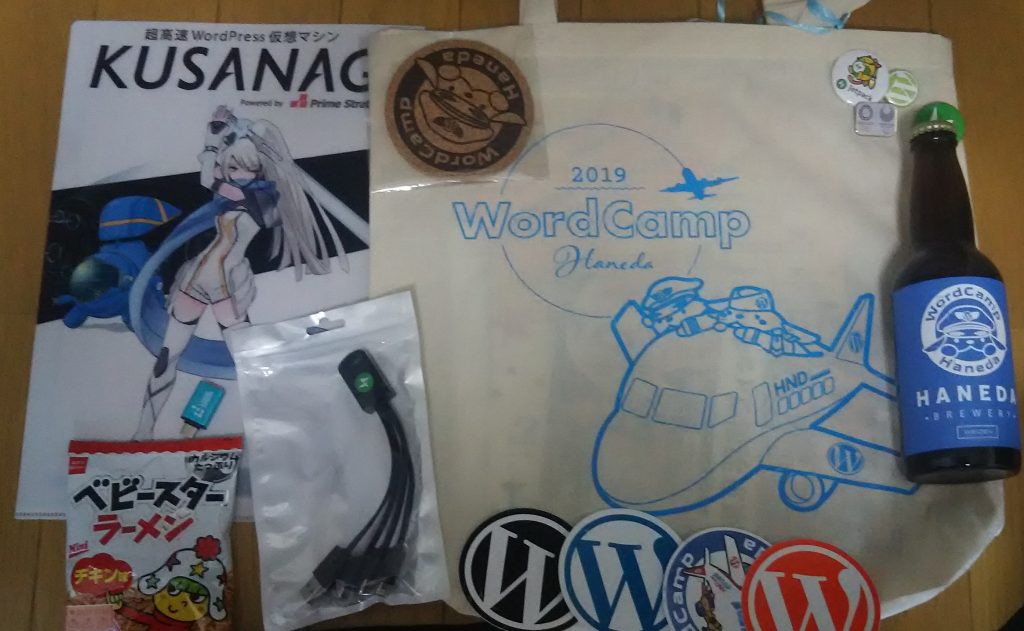
WordCamp Haneda 2019 ワードキャンプ羽田2019

DSC_0140

WordCamp Haneda had been held on April 20 and April 21 of 2019.
WordCamp Hanedaは2019年の4月20日と4月21日に開催されました。
April 20 was Session Day and April 21 was Contributor Day.
4月20日はセッションデー、4月21日は寄稿者デーでした。
私はセッションディに参加しました。
I participated in session day.

It was a very good event.
それはとても良いイベントでした。
The entry fee was free.
参加料は無料でした。
And we were given a lot of goods by the event sponsor.
そして、参加者はイベントスポンサーからたくさんの商品を貰いました。
Even more surprisingly, the social gathering was free.
さらに驚くべきことに、懇親会は無料でした。
It had a lot of foods and drinks for us.
懇親会には私達の為にたくさんの食べ物と飲み物をありました。
My weight increased and I became a drunk.
私の体重が増えて、私は酔っぱらった。

Sure, I learned a lot about WordPress there.
もちろん、私はそこでワードプレスについて多くを学びました。
I became interested in WordPress while joining it.
参加中にWordPressに興味を持つようになりました。
So I decided to try it.
なので、私はそれを試すことにしました。
I could easily install it on a vps server.
簡単にvpsサーバーにインストールすることができました。
But after that it was very hard…
しかし、その後は大変でした。。。
It was difficult that I customized it.
カスタマイズするのは大変でした。

This blog uses WordPress.
このブログはWordPressを使用しています。
I want that I will get used to it little by little.
少しずつ慣れていきたいです。

カテゴリー: Diary | コメントする

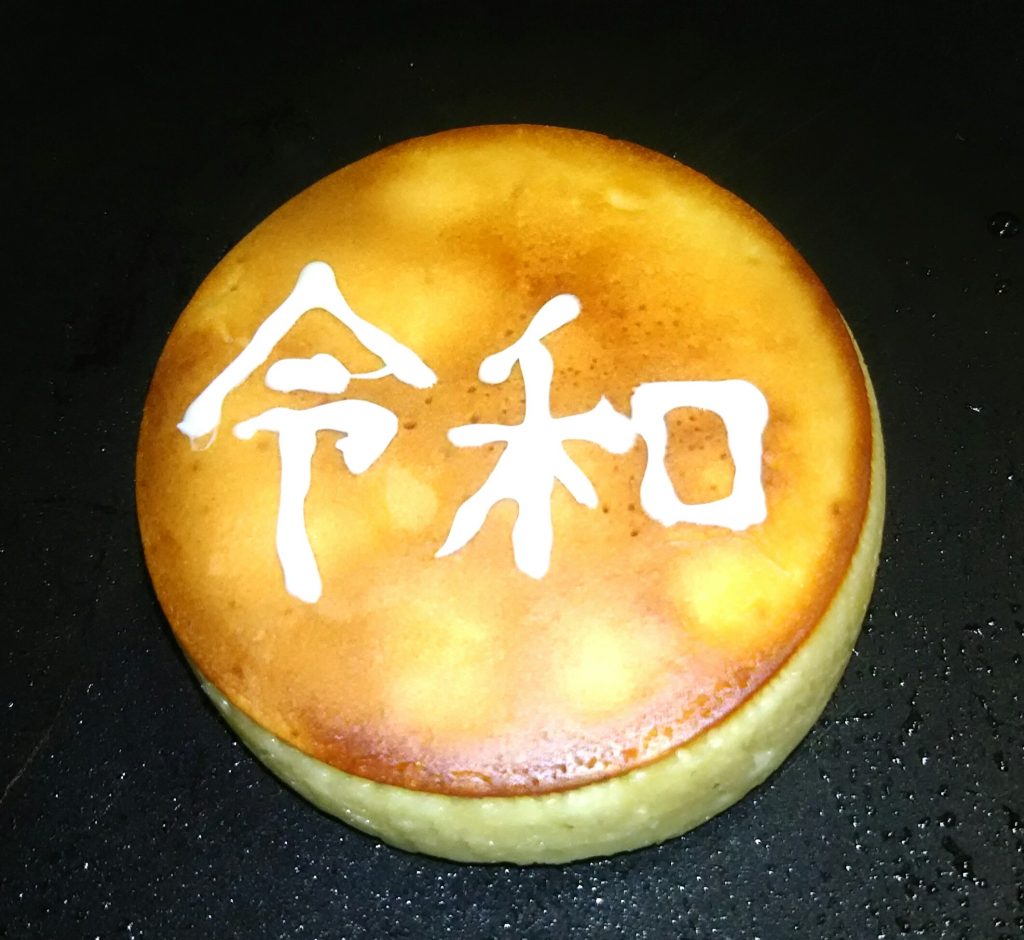
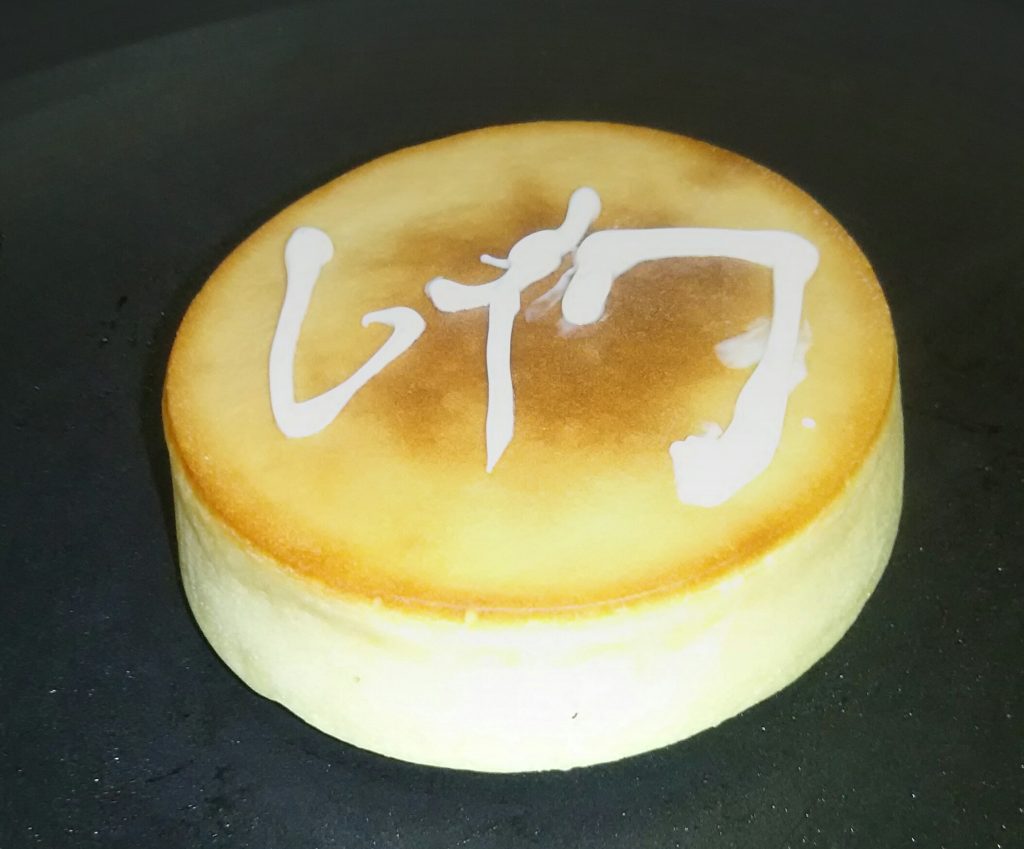
Pancake パンケーキ

I made a pancake with my friends in May of 2019.
2019年の5月に友達とパンケーキを作りました。
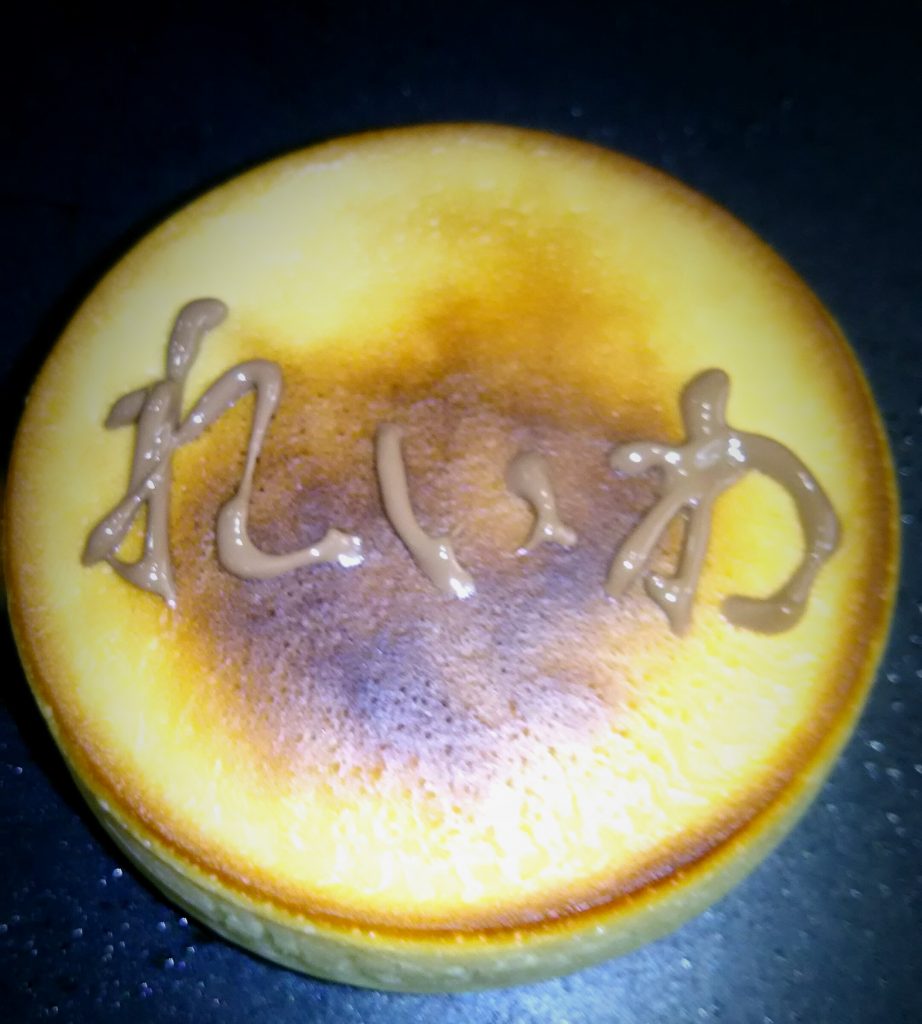
We drew “Reiwa” on pancakes because the era of “Reiwa” started from May in Japan.
5月から日本で「令和」の時代が始まったので、私たちはパンケーキに「令和」を描きました。
It is kanji, katakana and hiragana.
漢字、カタカナ、ひらがなです。

DSC_0307
DSC_0313
DSC_0309

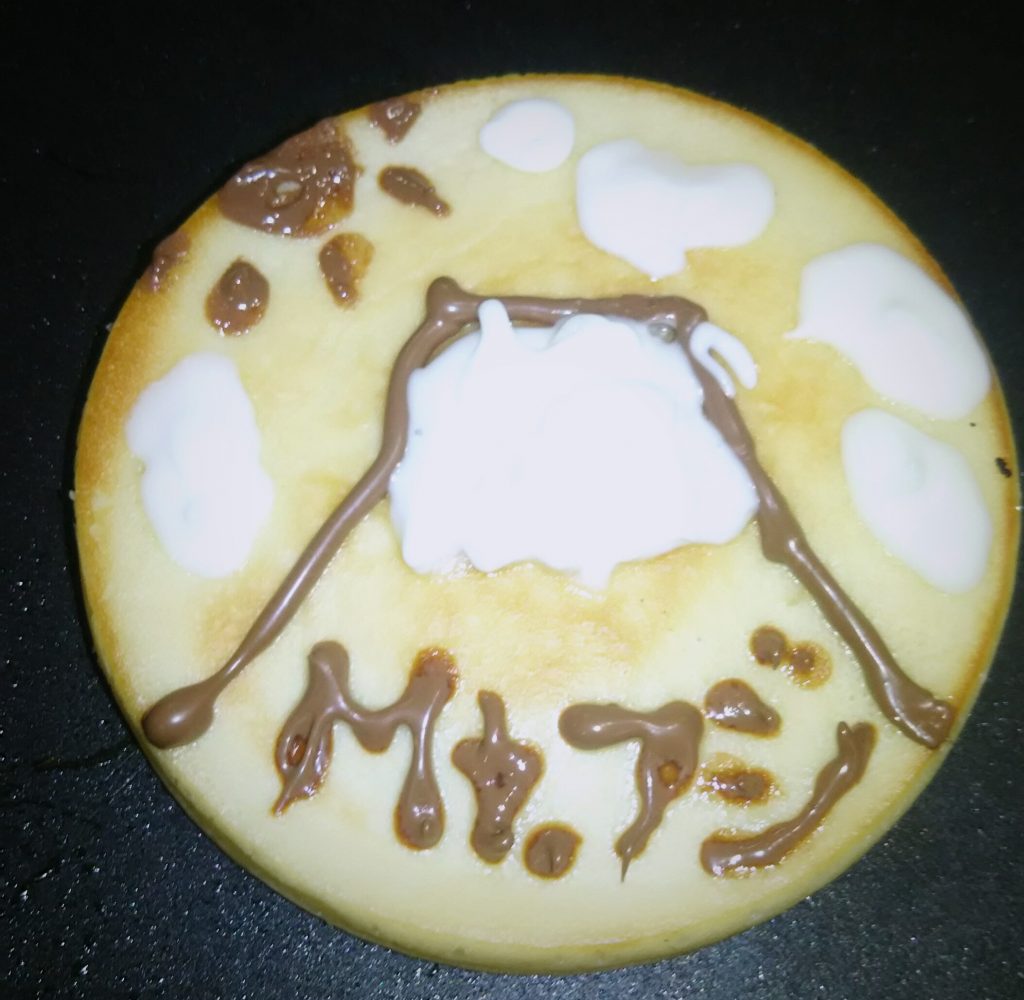
We drew Mount Fuji with the remaining material.
私達は残った材料で富士山が描きました。

DSC_0316
カテゴリー: Diary | コメントする

Indian curry インドカレー

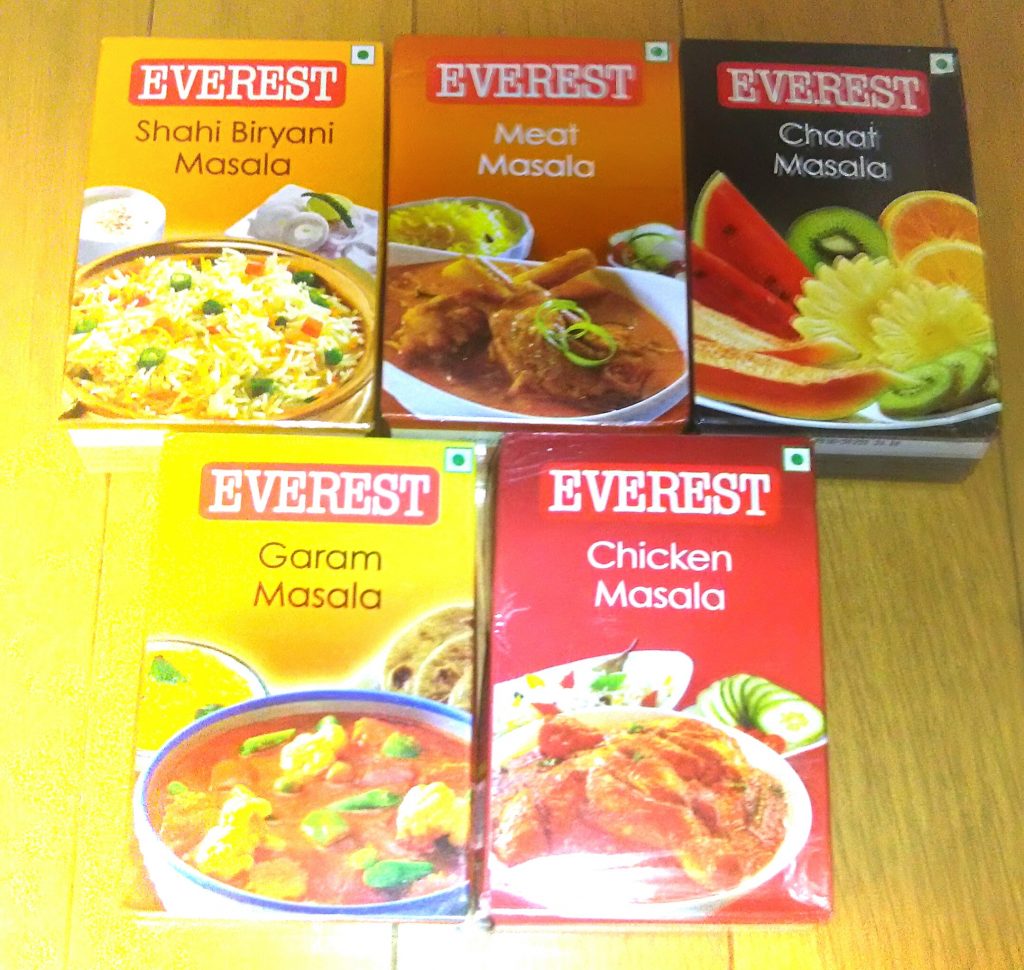
I got a lot of masala and chili powder from my Indian friend.
私は、インド人の友達にたくさんのマサラとチリパウダを貰いました。
So I tried to cook an Indian curry for myself.
だから、私は私用にインドカレーを作ってみました。

DSC_0358

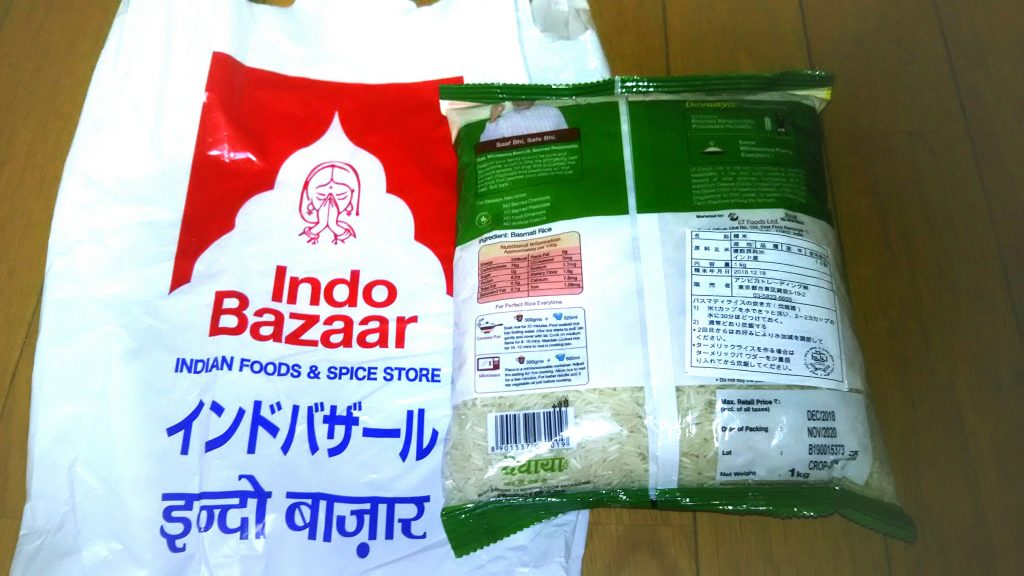
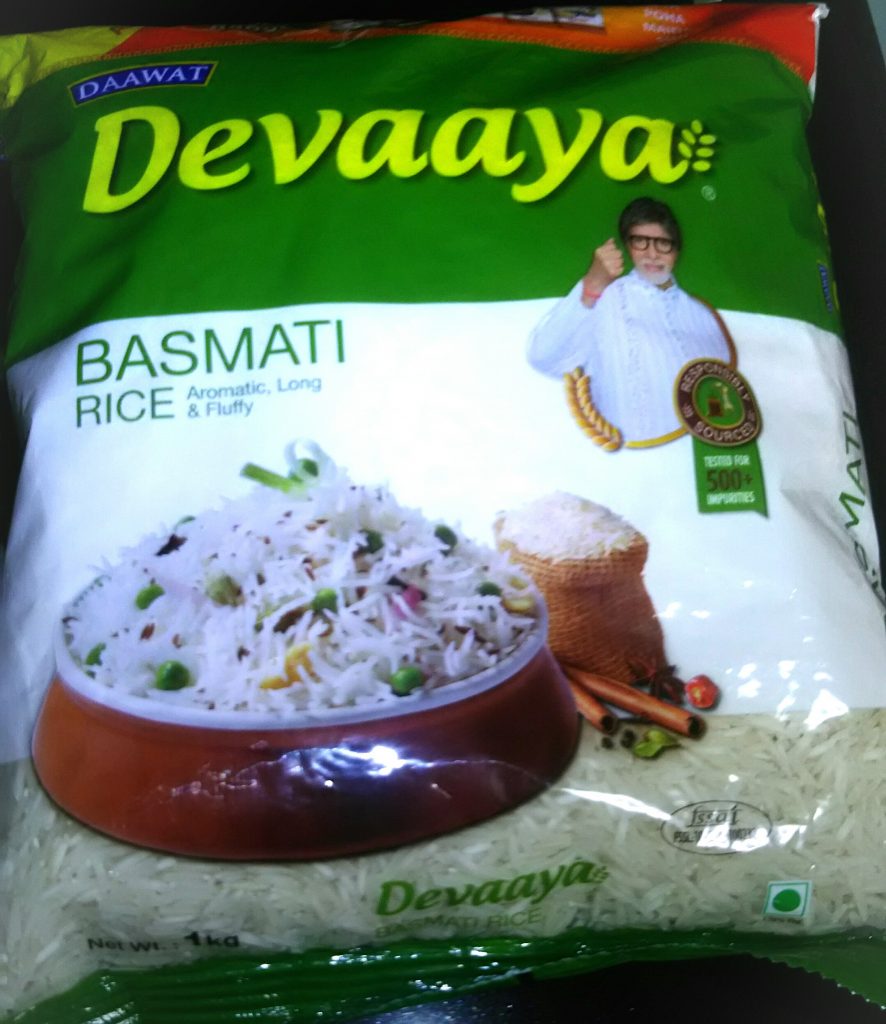
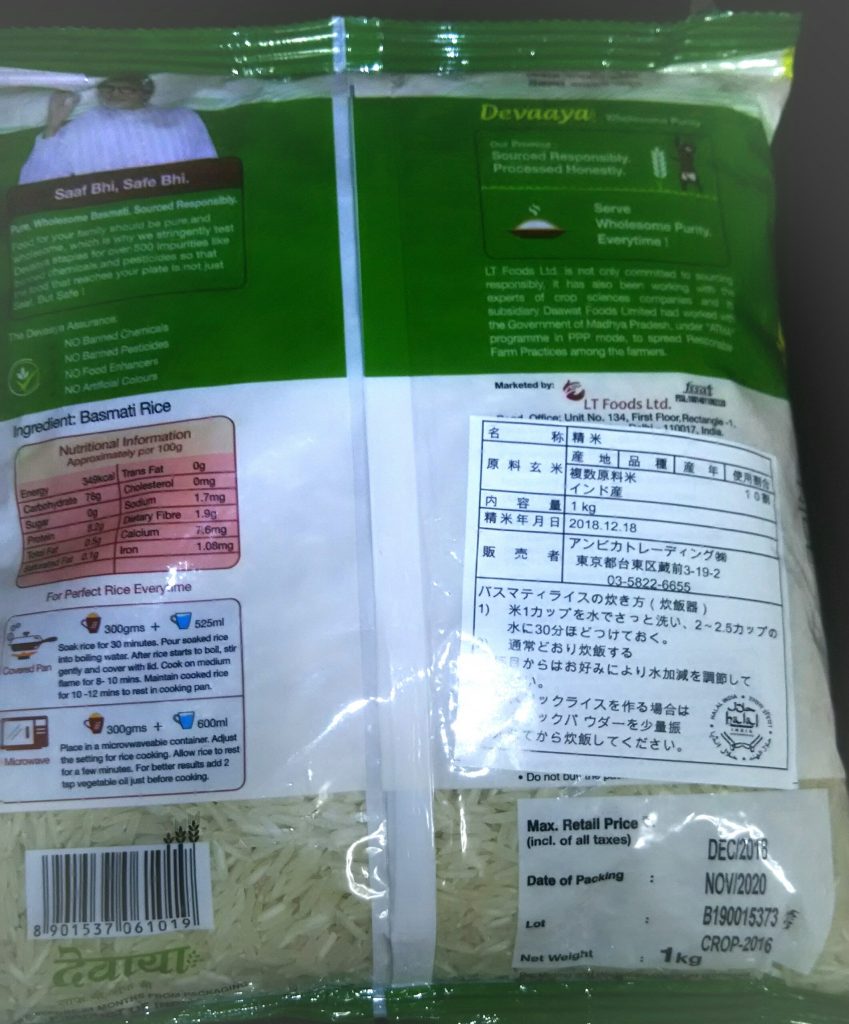
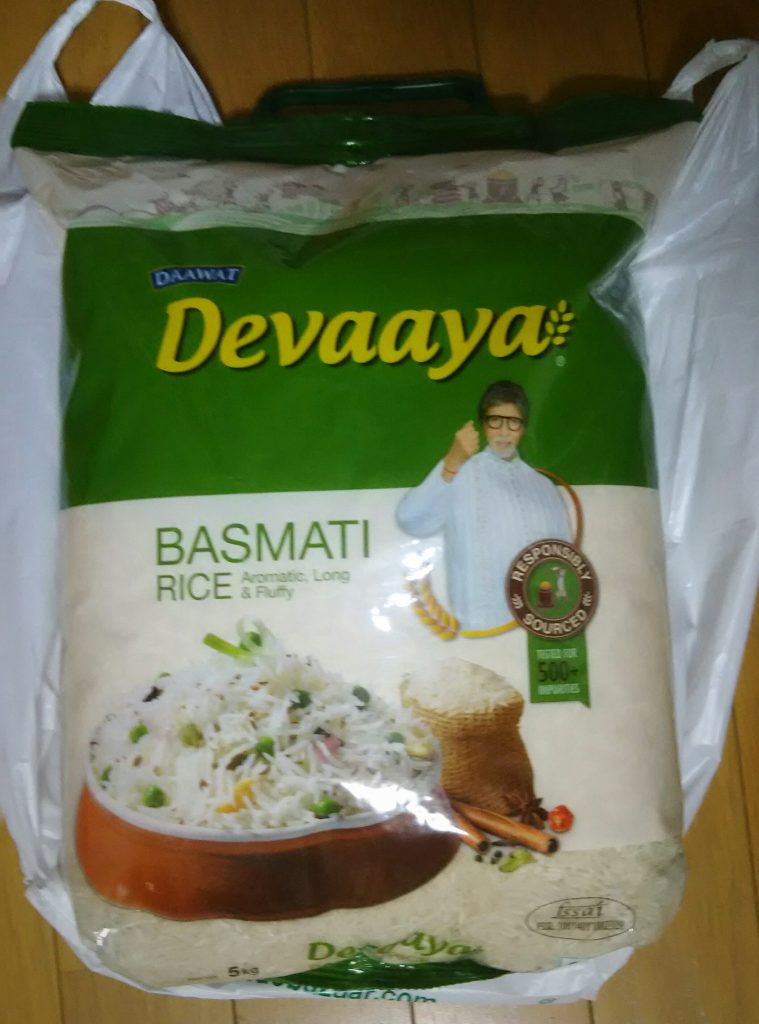
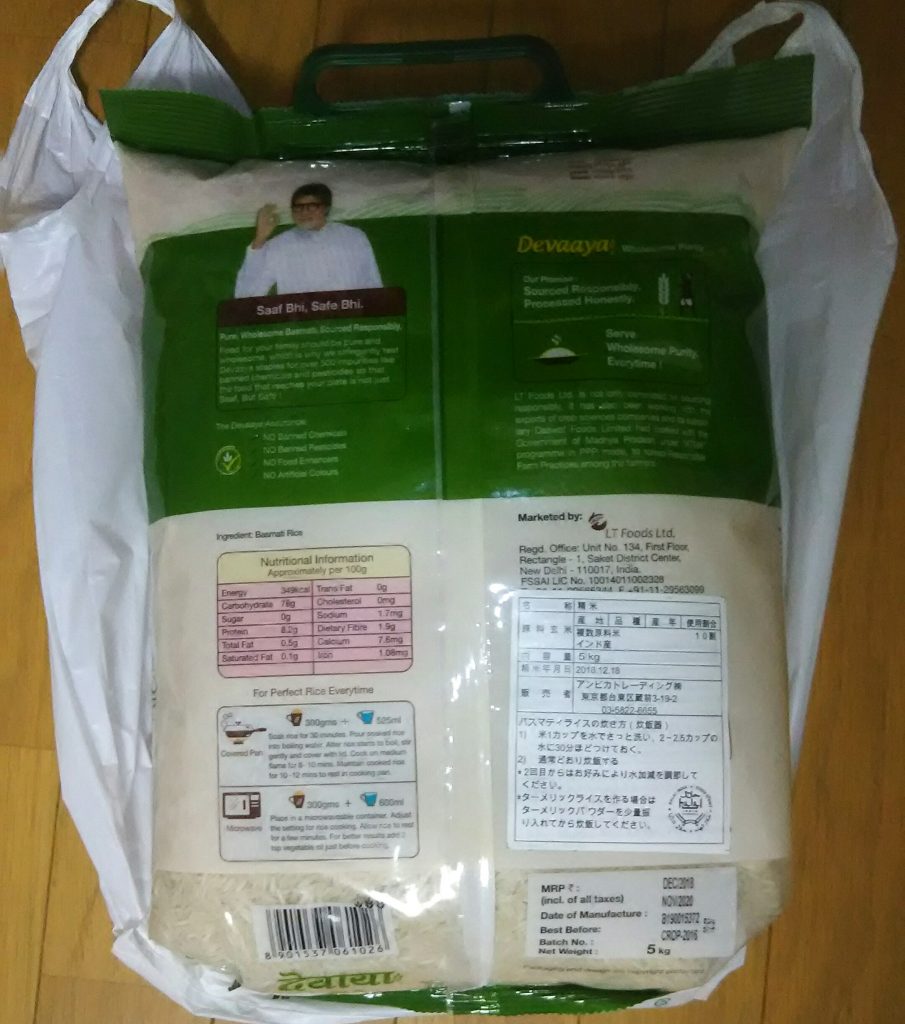
I purchased rice of India at the Indo Bazaar.
私はインドバザールでインドのお米を買いました。
The type of rice is the basmati rice.
お米の種類はバスマティ米です。
It was 648 yen in a kilogram.
1キロで税込み648円でした。
http://indobazaar.com/

DSC_0323
DSC_0324
DSC_0326
DSC_0329

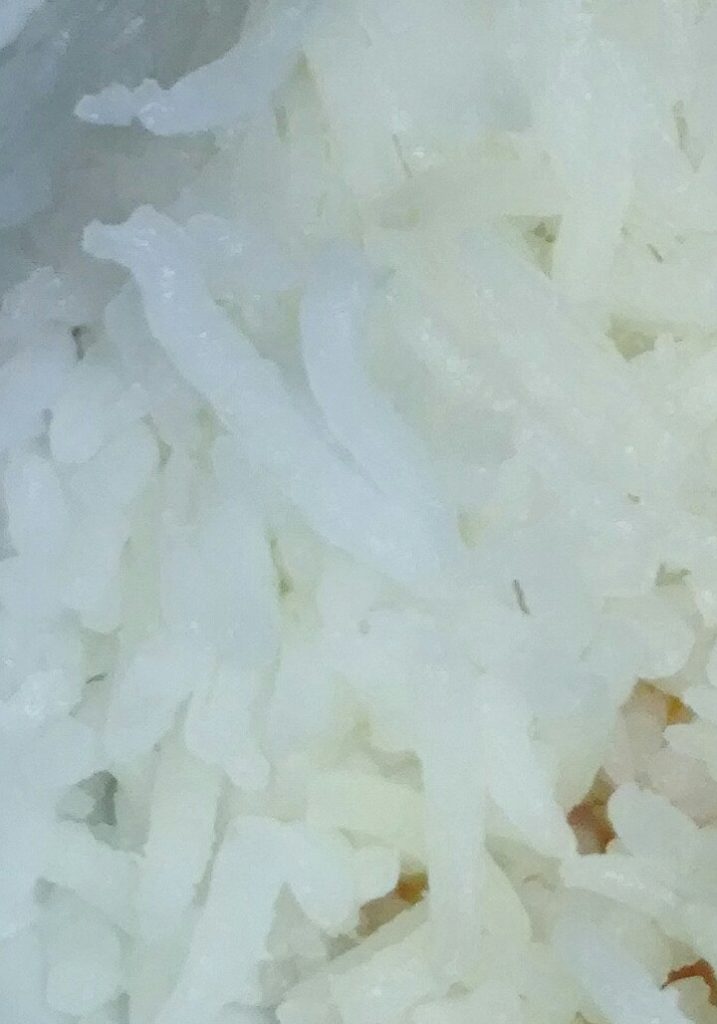
It is cooked white rice.
炊かれた米です。
Indian rice is longer than Japanese rice.
日本のお米よりインドのお米の方が長いです。

This is Indian curry that I made for the first time.
初めて作ったインドカレーです。
I got advice from my Indian friend When I was making.
私は作っていた時に、私はインド人の友人からアドバイスを受けました。
I was taught to finely chop onions.
私は玉ねぎを細かく刻むように教えられました。
And, I was told to reduce the amount of tomatoes.
そして、私はトマトの量を減らすように言われました。
I also learned that I add a bit of salt and oil when I cook rice.
私はまた、米を炊くときに塩と油を少し加えることを学びました。

カテゴリー: Diary | コメントする

THE OSAMU TEZUKA MANGA MUSEUM 宝塚私立手塚治虫記念館

THE OSAMU TEZUKA MANGA MUSEUM is in Takarazuka City, Hyogo Prefecture, Japan.
手塚治虫記念館は日本の兵庫県宝塚市にあります。
I went there in May.
私はそこを5月に訪れました。
It was built in honor of Tezuka Osamu’s life.
手塚治虫の人生を讃えて作られました。

Do you know Tezuka Osamu?
手塚治虫を知っていますか?
He is a great great cartoonist and animator, and an animation director.
彼は偉大な漫画家でイラストレーターでアニメション監督です。
And, surprisingly, he is also a doctor.
そして、驚く事に彼は医師でもあります。
He is what we call the genius.
彼はいわゆる天才です。

He created many works such as Phoenix, Astro Boy, Black Jack and Jungle Emperor.
彼は火の鳥、鉄腕アトム、ブラックジャック、ジャングルのような多くの作品を作りました。

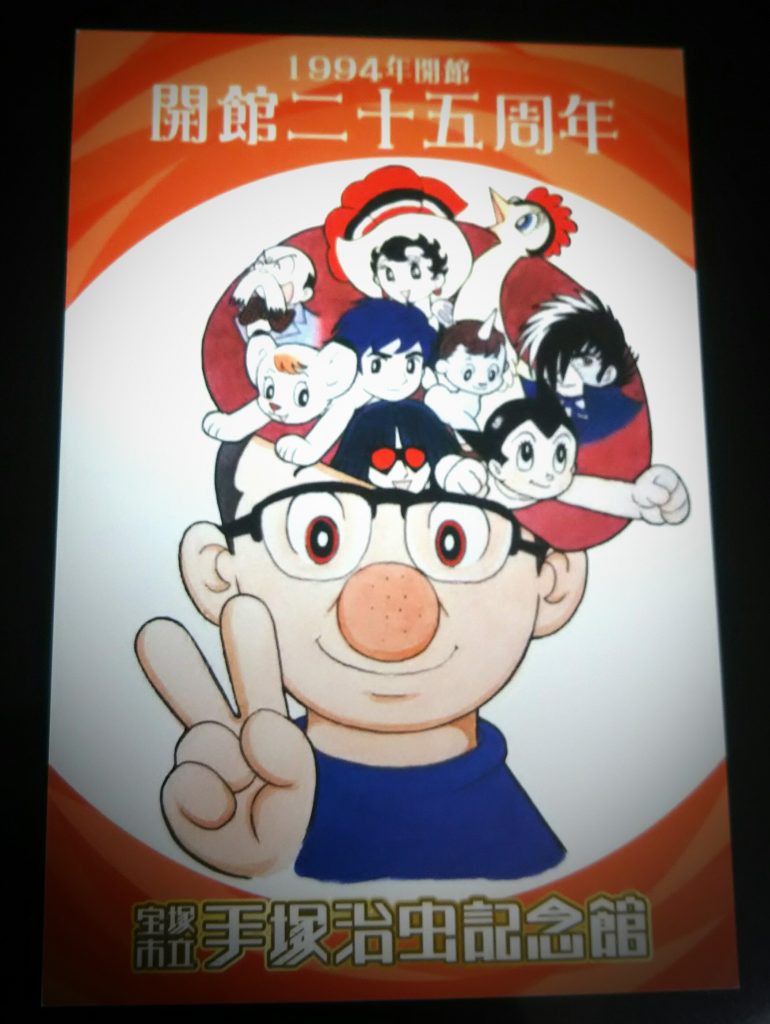
When I visited it was just the 25th anniversary of its opening.
私が訪れた時、ちょうど開館25周年記念でした。
So I got a postcard for the 25th anniversary.
だから、私は25周年記念のポストカードを貰いました。

DSC_0320

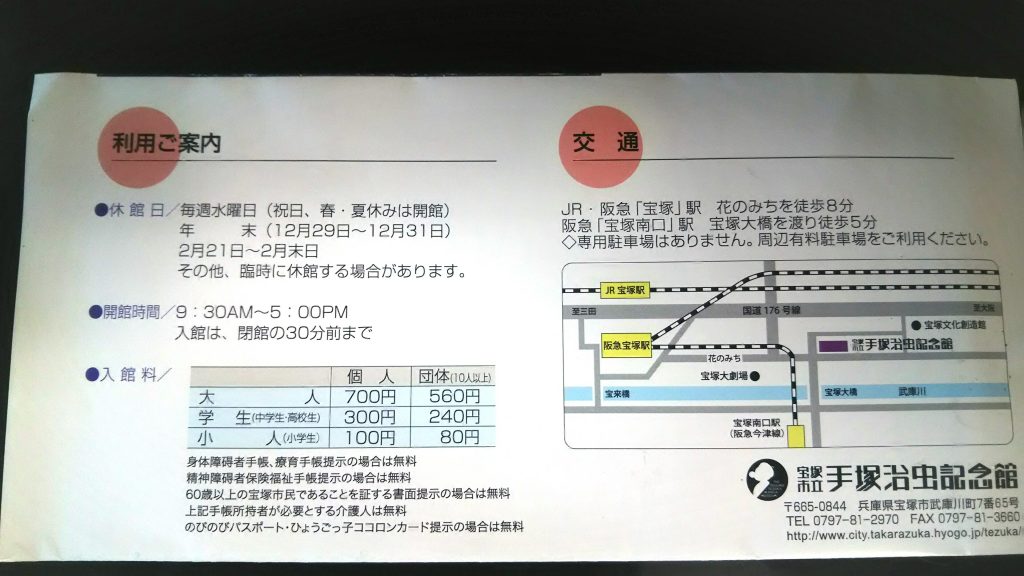
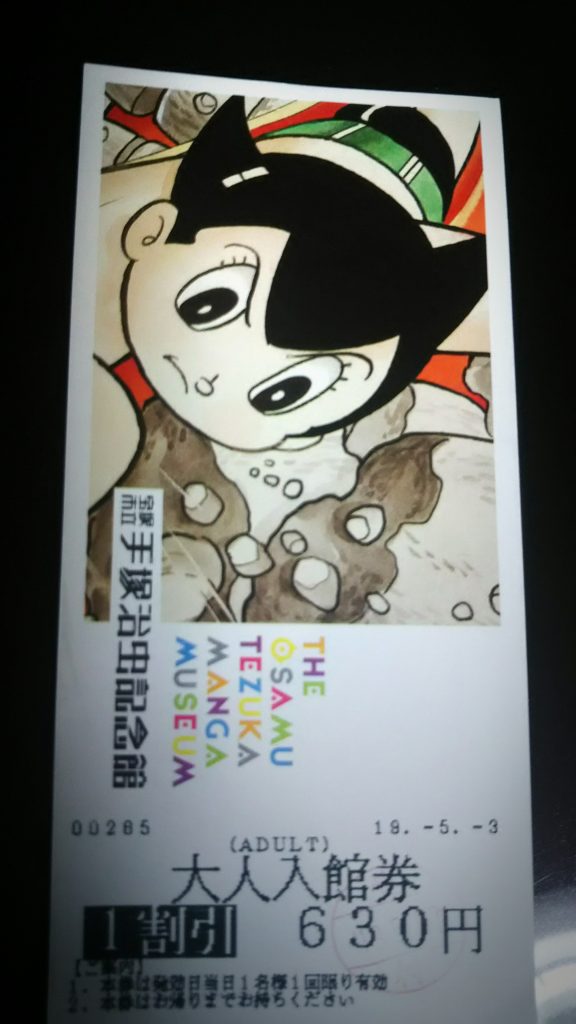
Admission fee is 700 yen per one adult.
入館料は大人一人あたり700円です。
However, I was able to enter with discount because My friend is a member of JAF.
ですが、私の友達がJAFの会員だったので私は割引で入館しました。

DSC_0327
DSC_0322

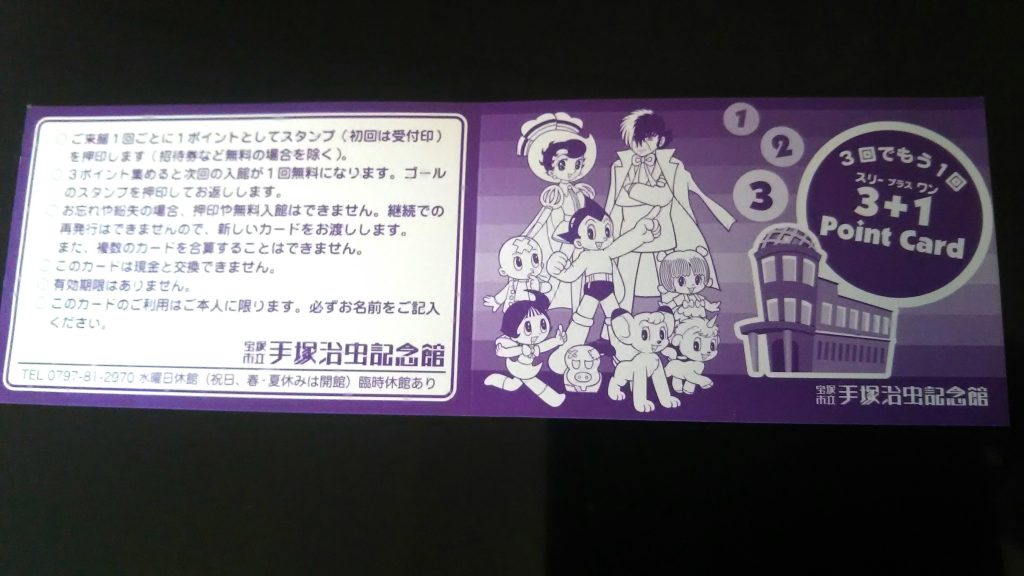
By the way, if we visit three times and save stamps, the fourth time admission will be free.
ところで、私達は三回訪れスタンプを貯めると、四回目の入館はタダになります。

DSC_0323

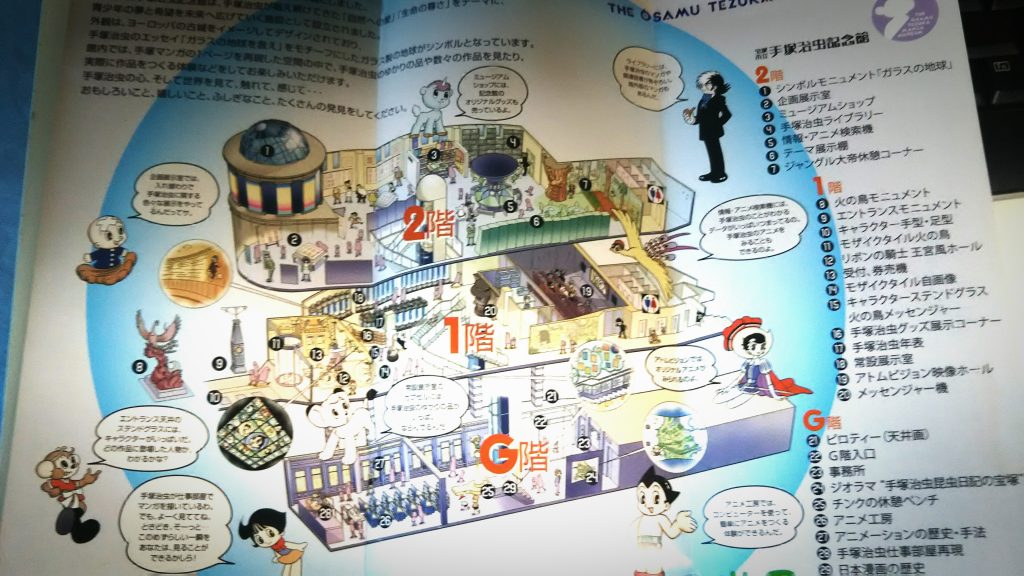
Please see the brochure image below for contents of it.
館内の内容については、下の画像を見てください。

DSC_0328
DSC_0325

カテゴリー: Diary | コメントする

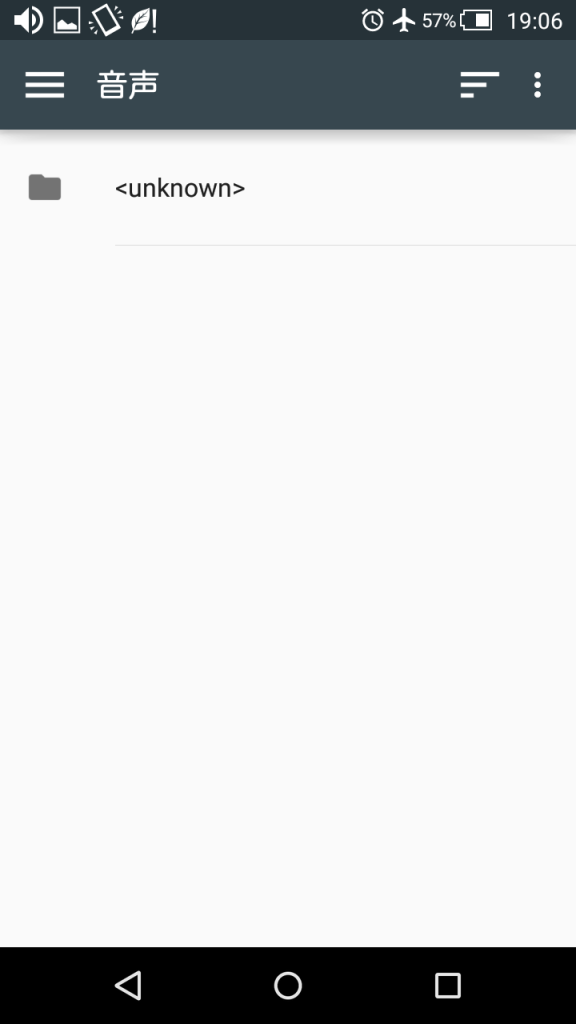
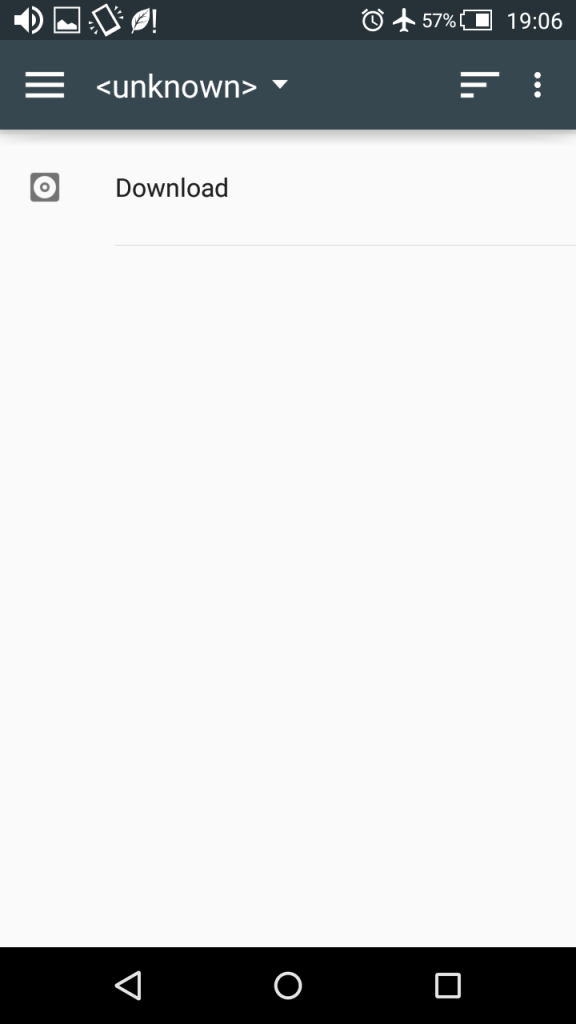
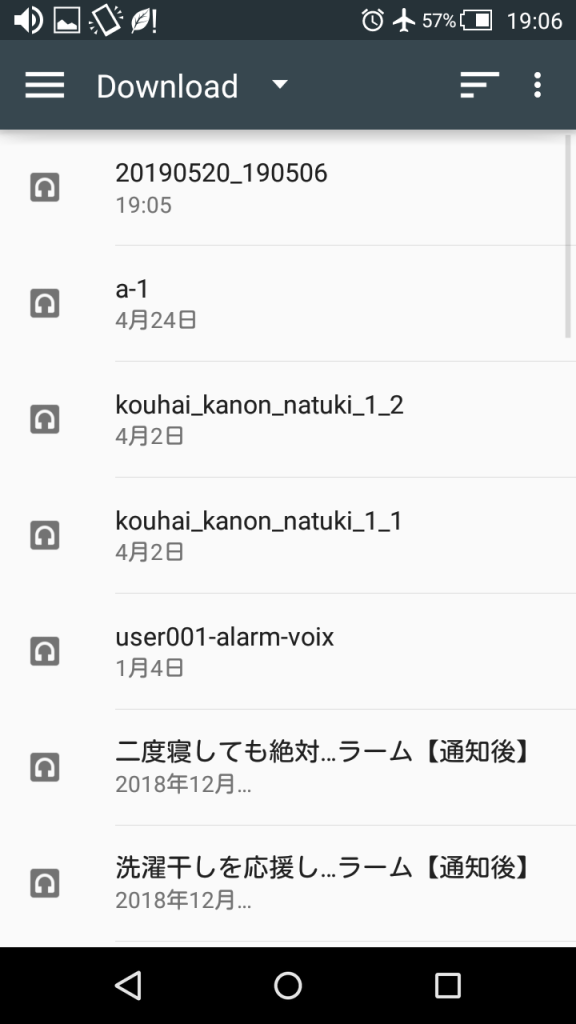
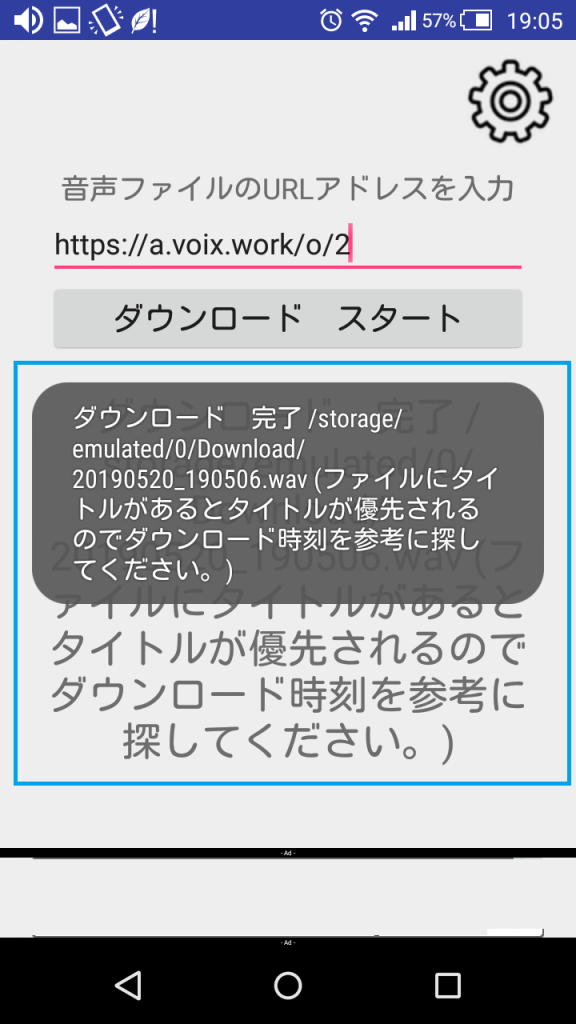
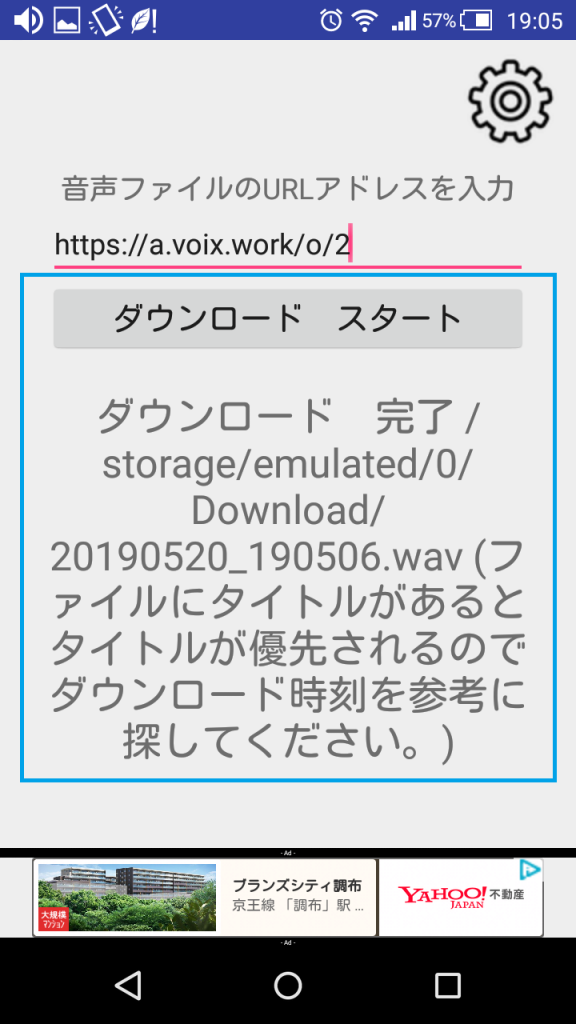
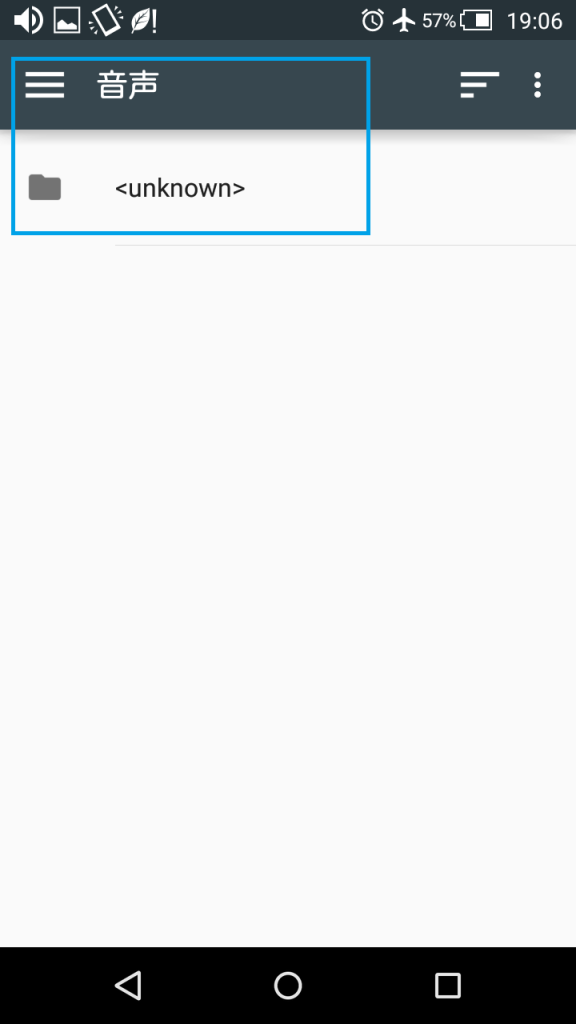
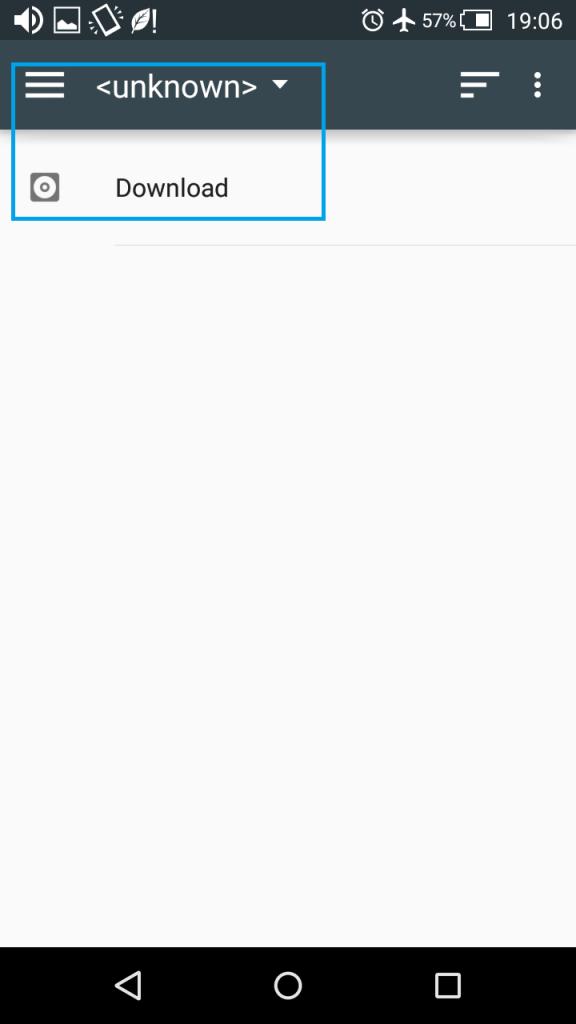
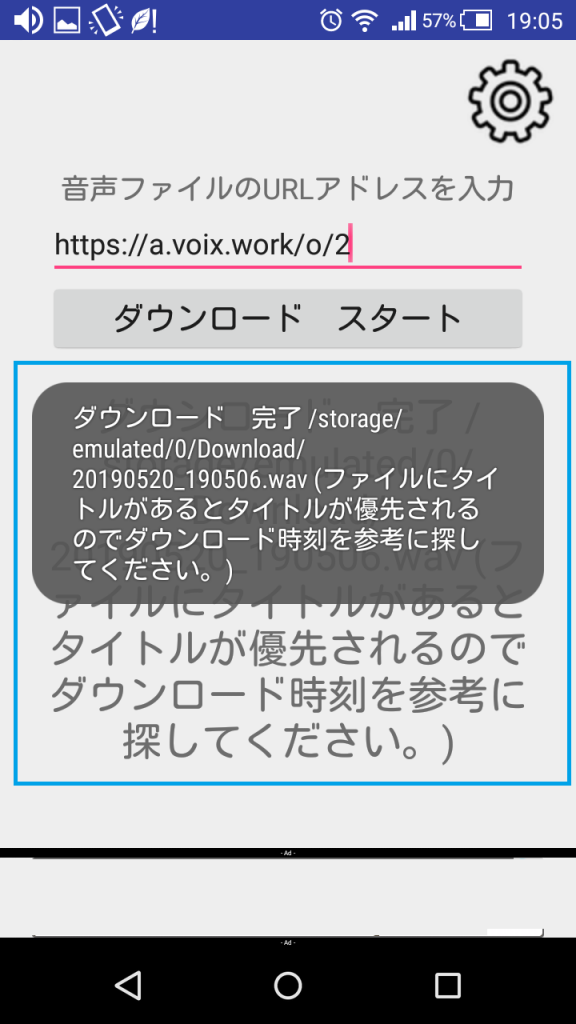
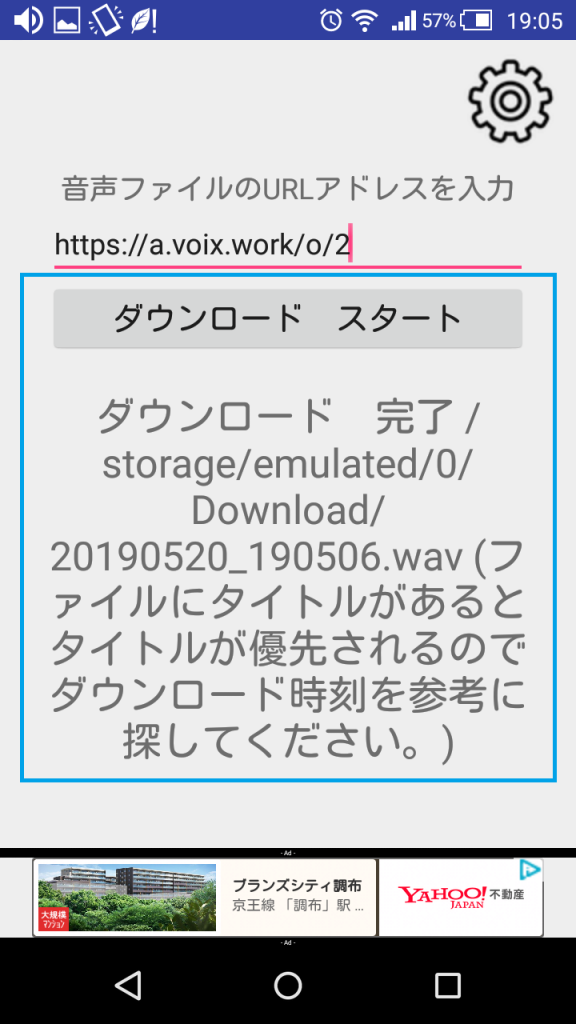
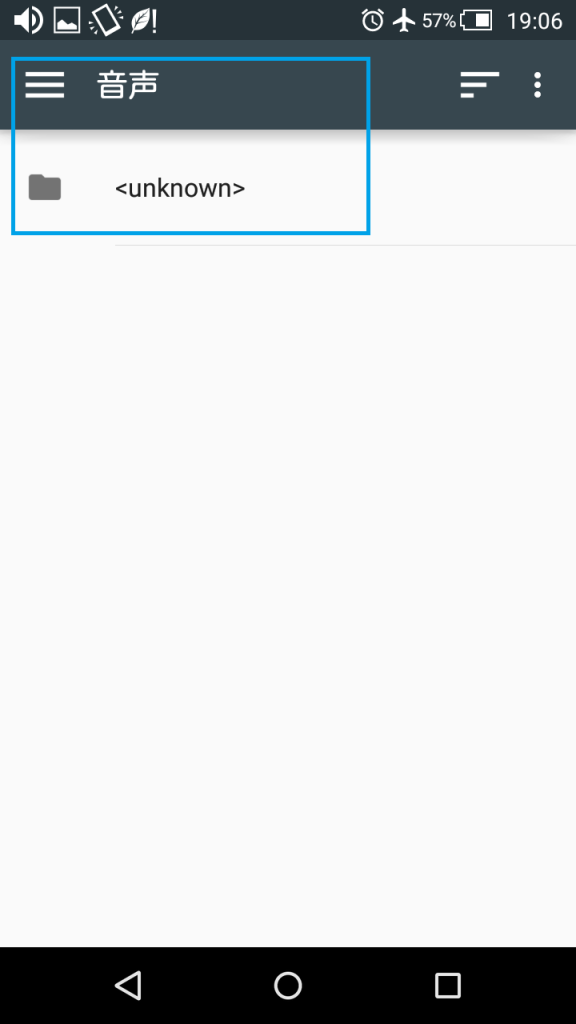
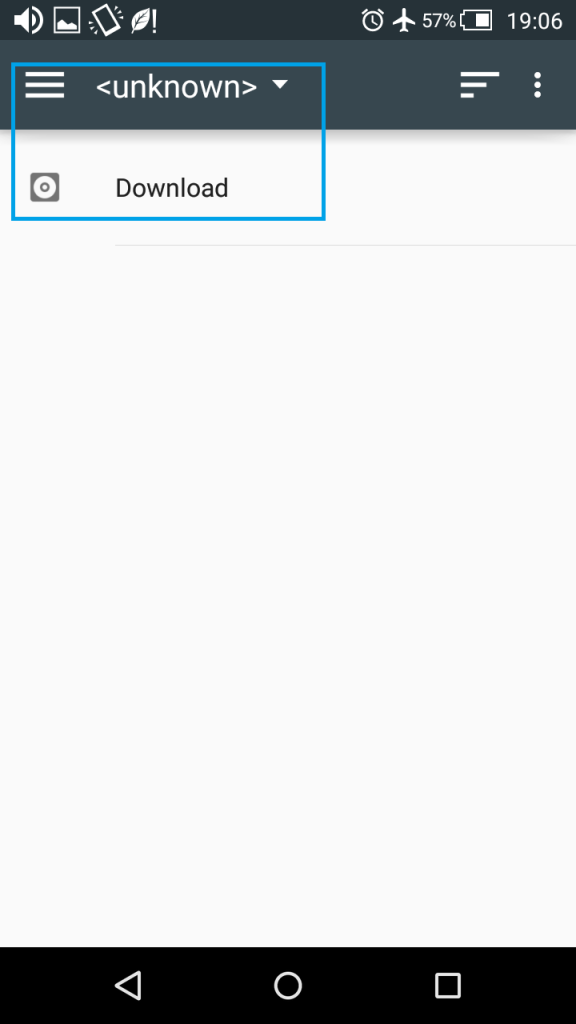
Starter voice download folder for android アンドロイドでのスターターボイスのダウンロードフォルダ

STEP:1

STEP:2

STEP:3

カテゴリー: AlarmVoice | コメントする

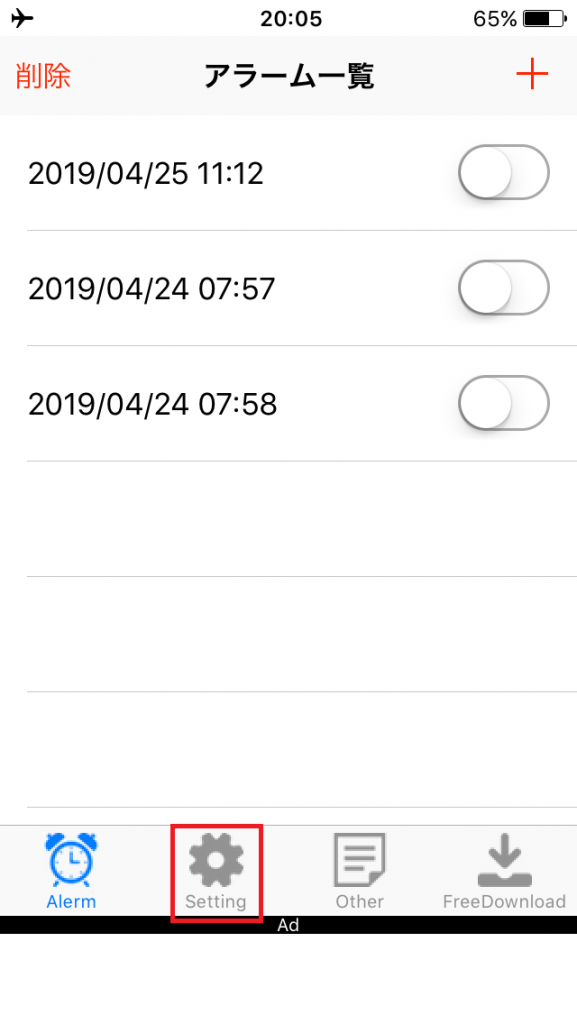
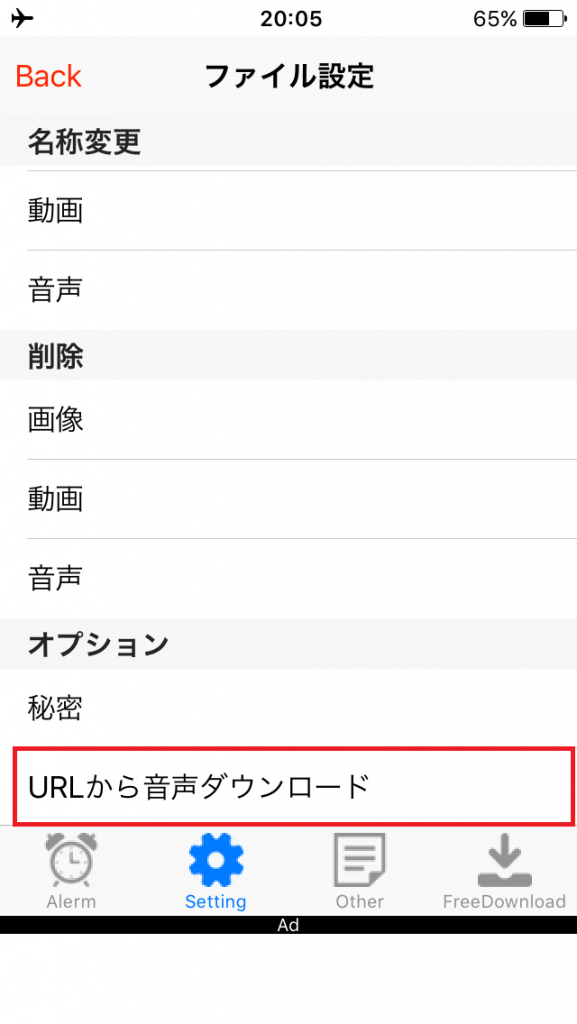
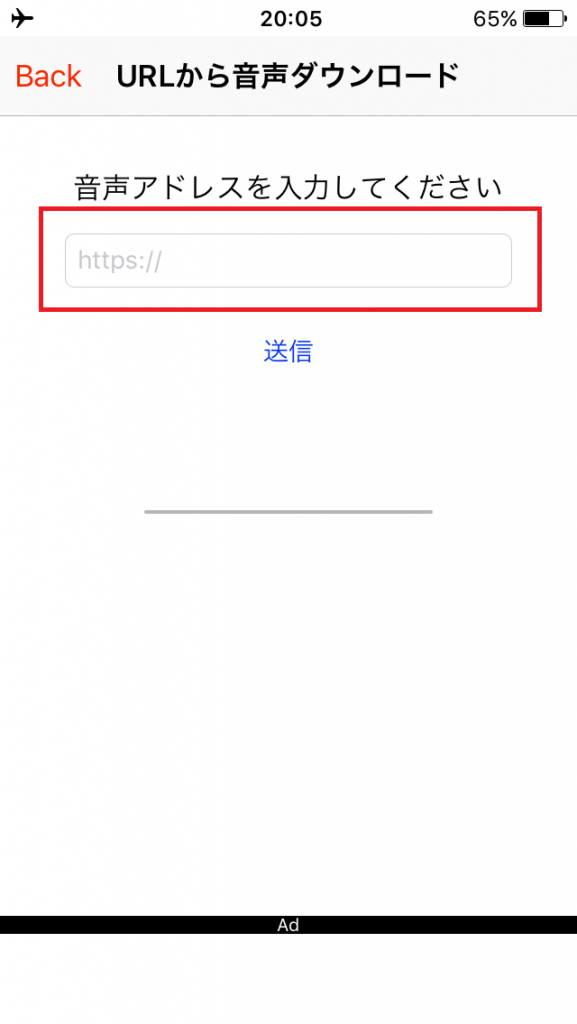
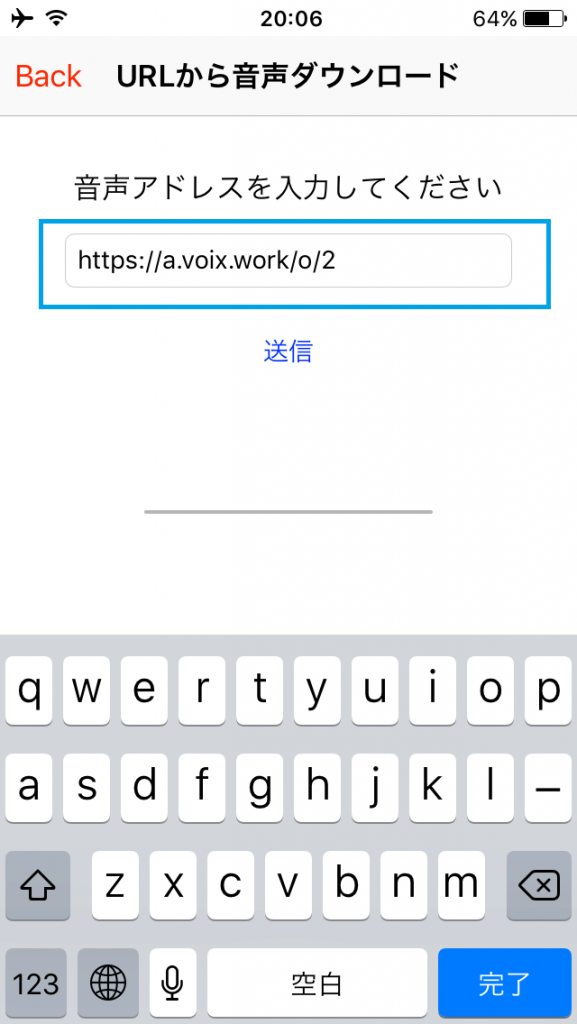
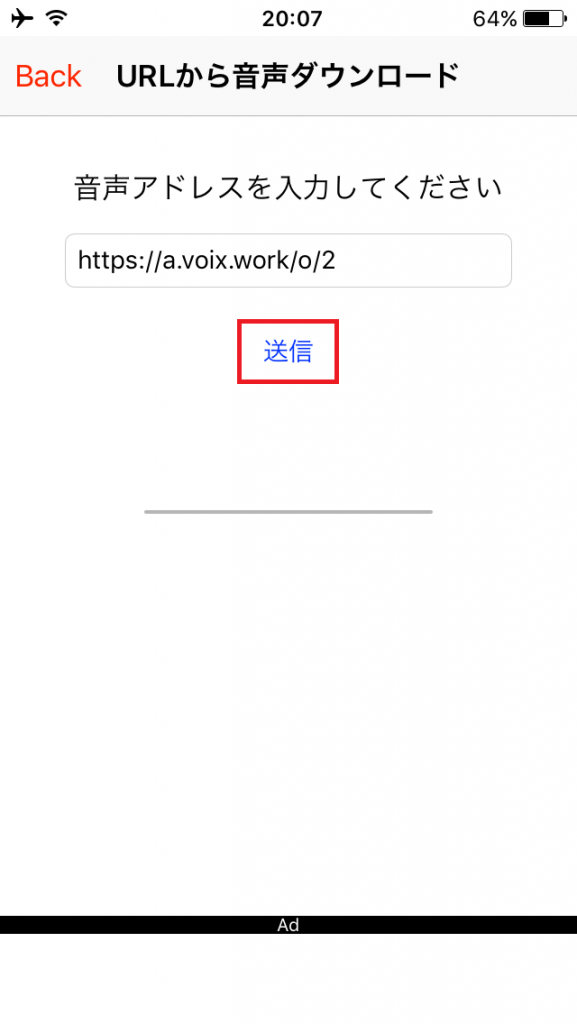
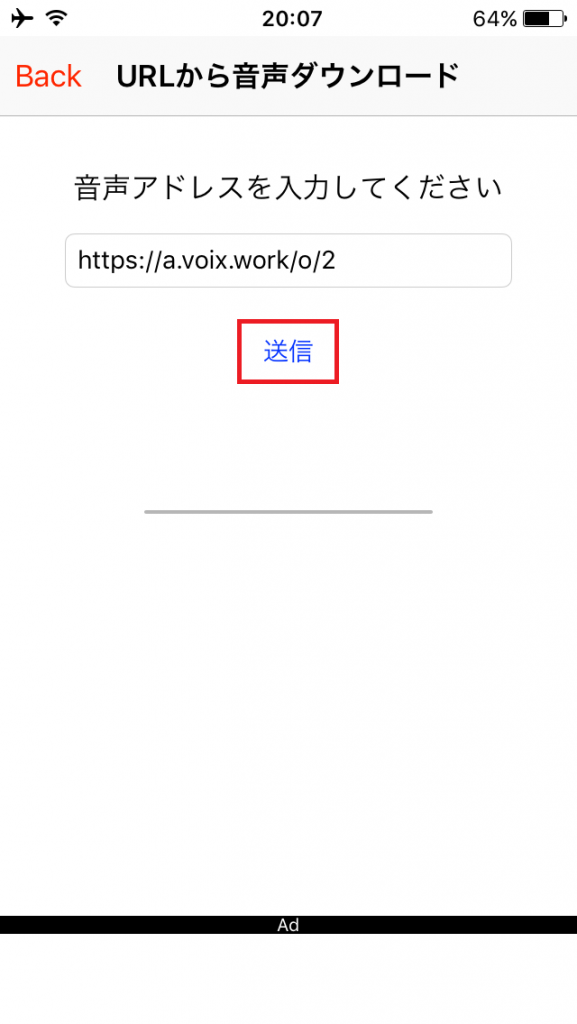
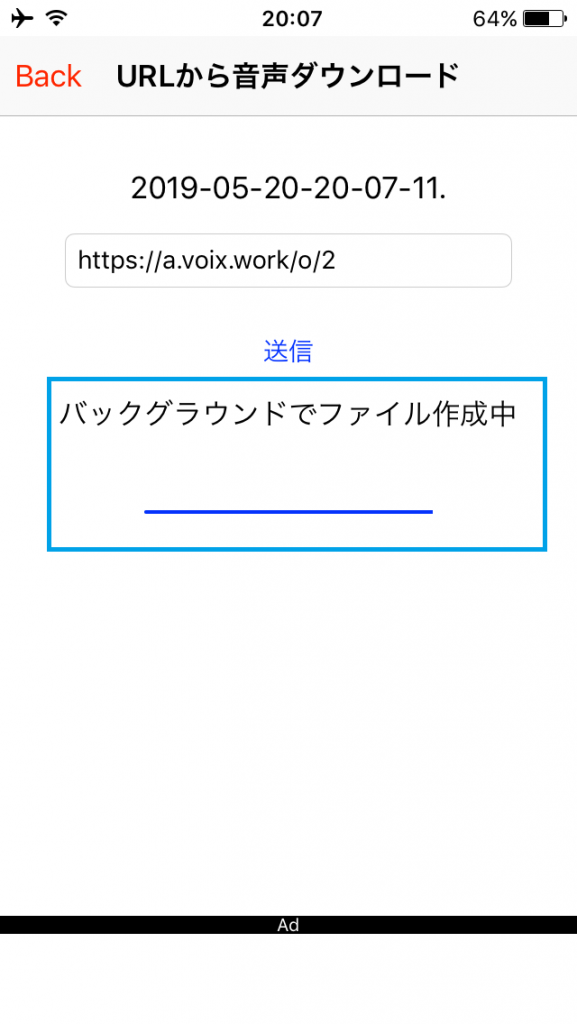
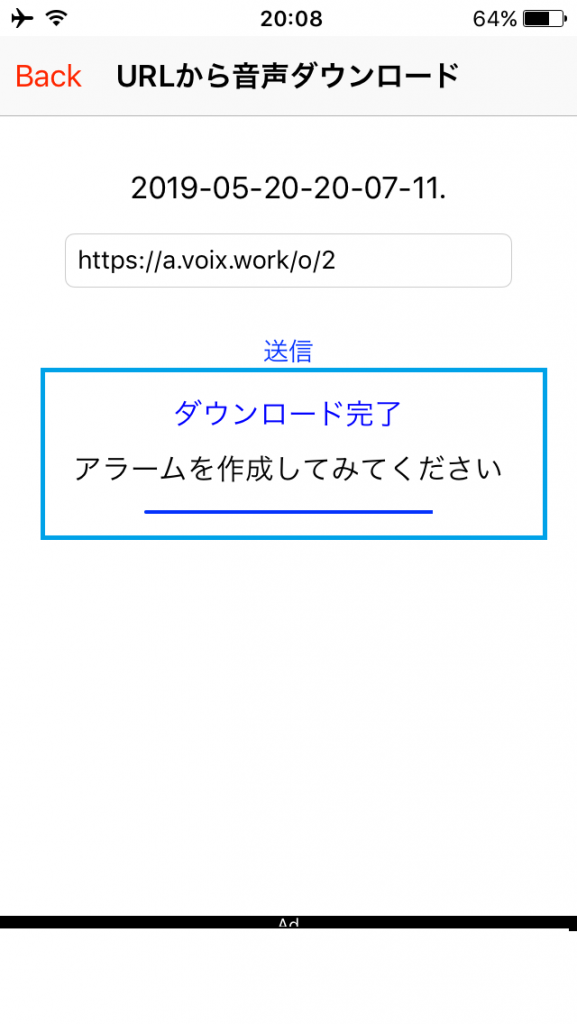
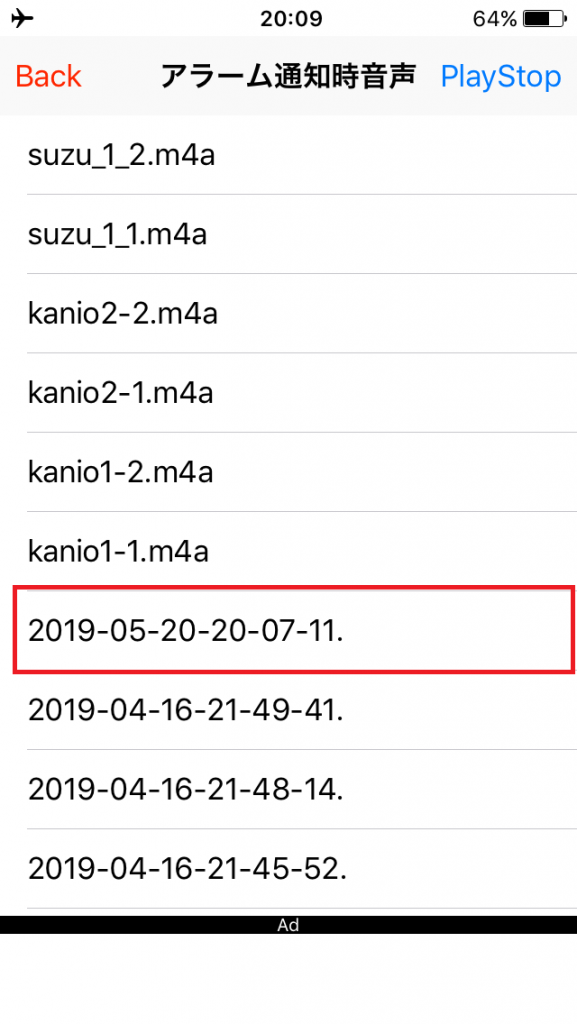
Import alarm voice from external URL on iPhone アイホンでの外部URLからのアラーム音声の取り込み

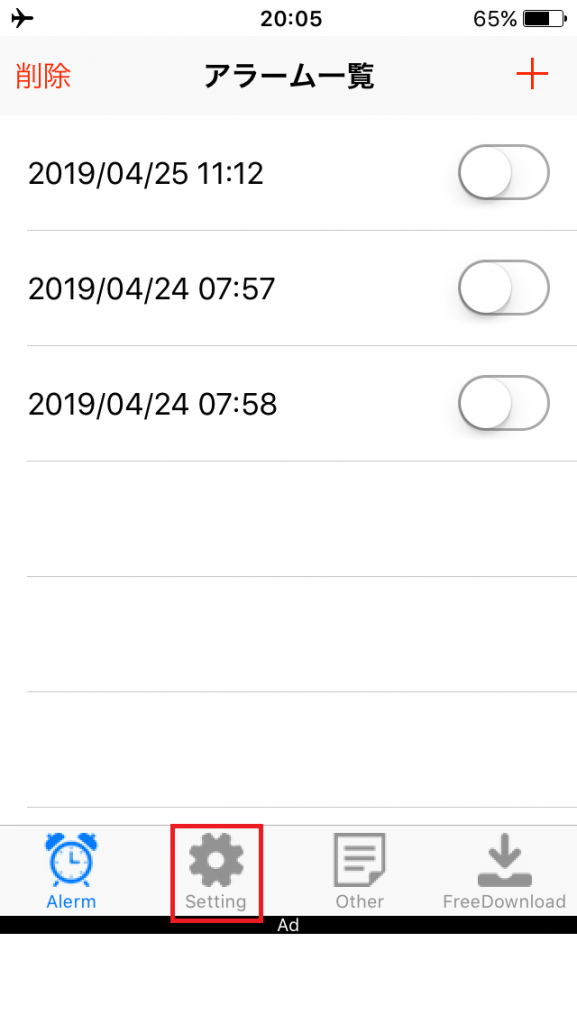
STEP:1

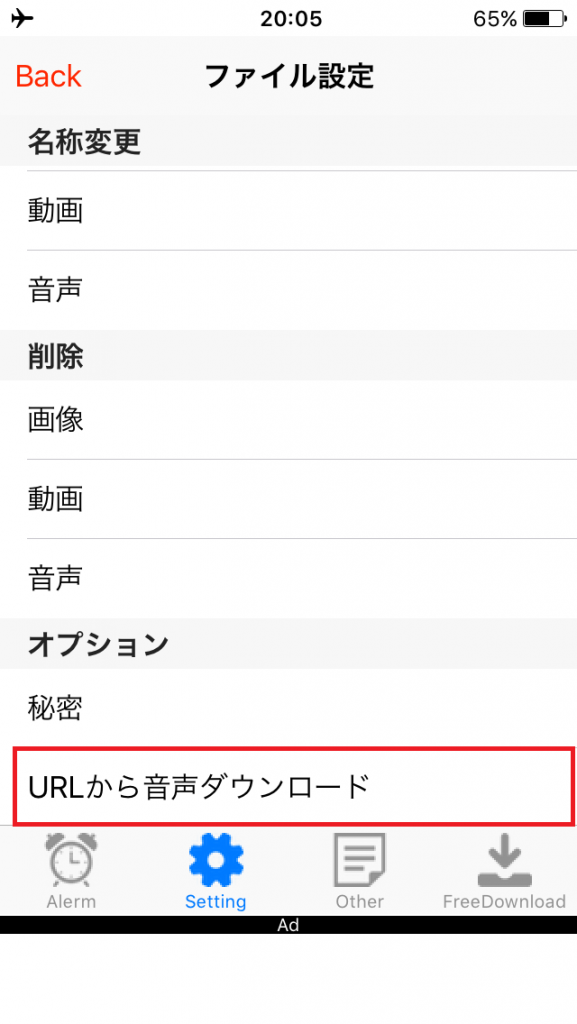
STEP:2

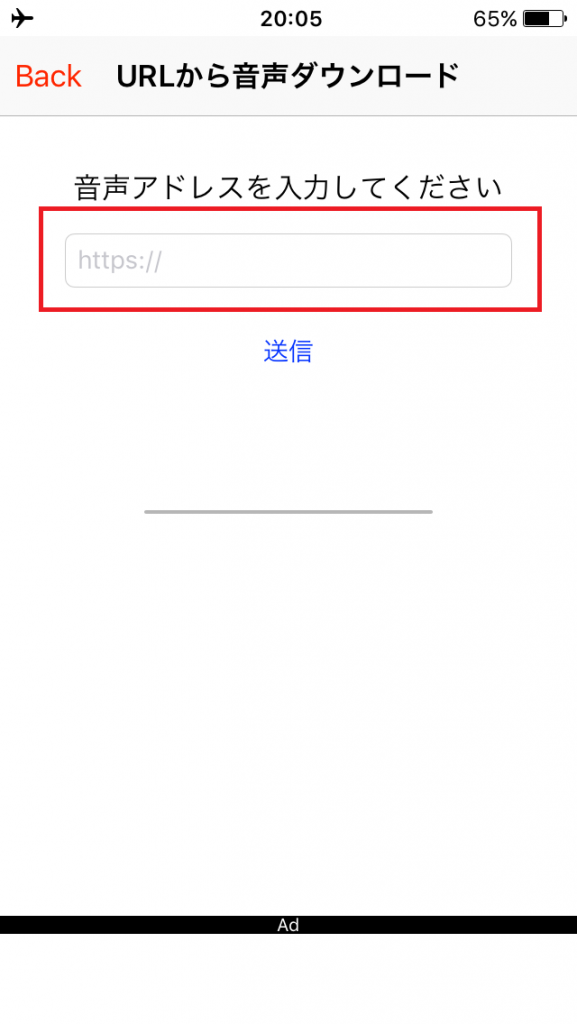
STEP:3

STEP:4

STEP:5

STEP:6

STEP:7

STEP:8 (Alarm voice selection screen)

カテゴリー: AlarmVoice | コメントする

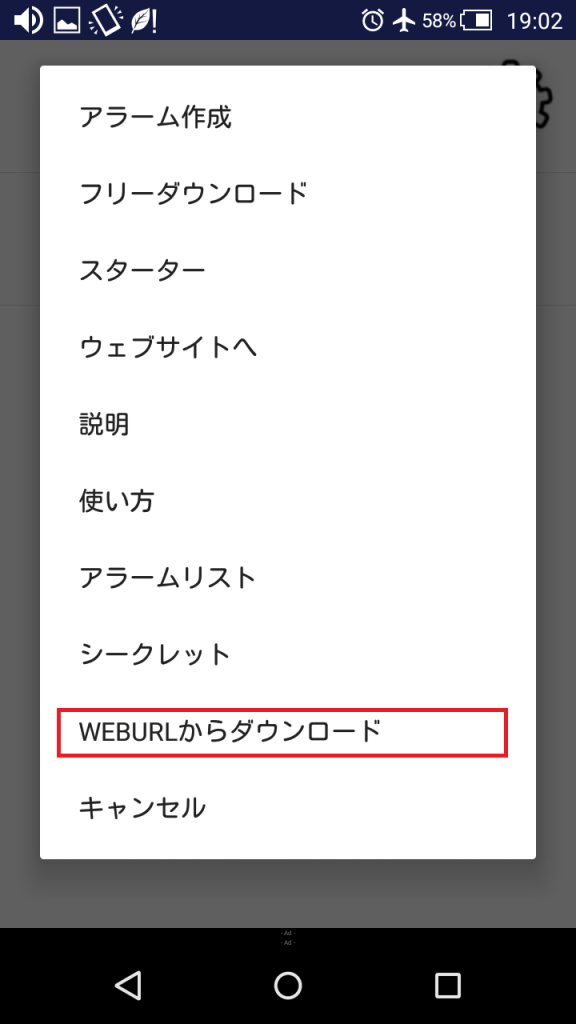
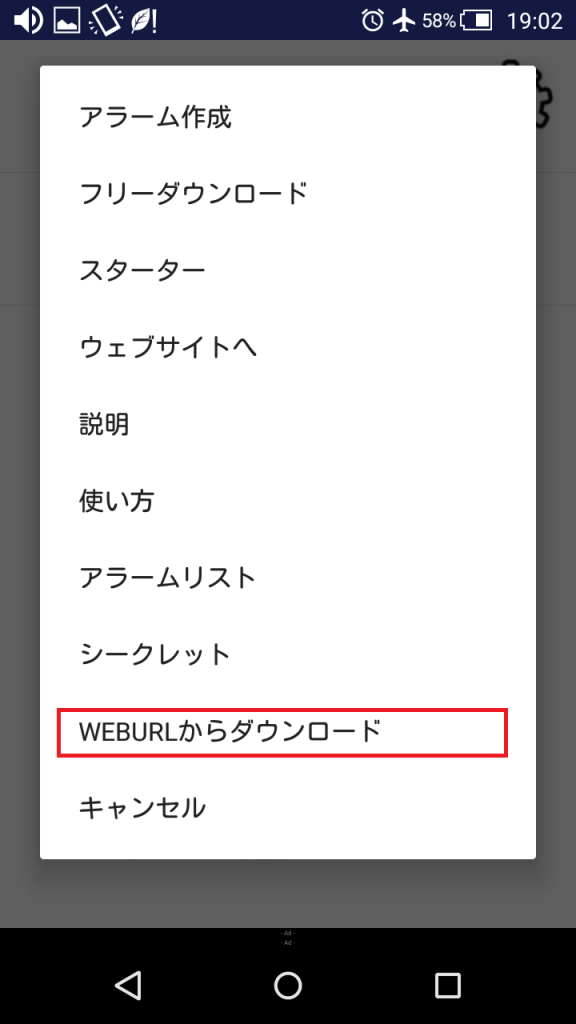
Import alarm voice from external URL on Android アンドロイドでの外部URLからのアラーム音声の取り込み

SETP:1

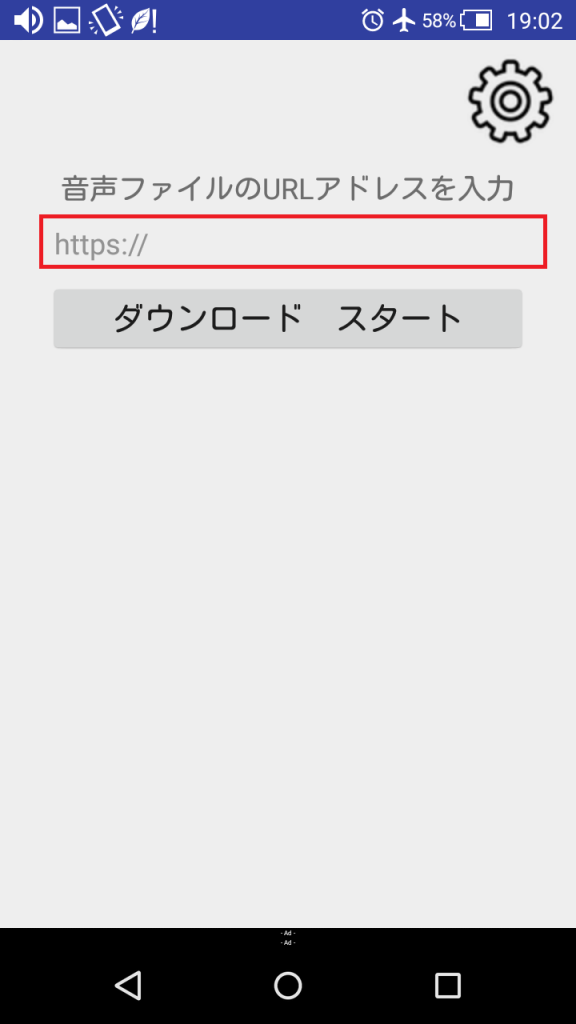
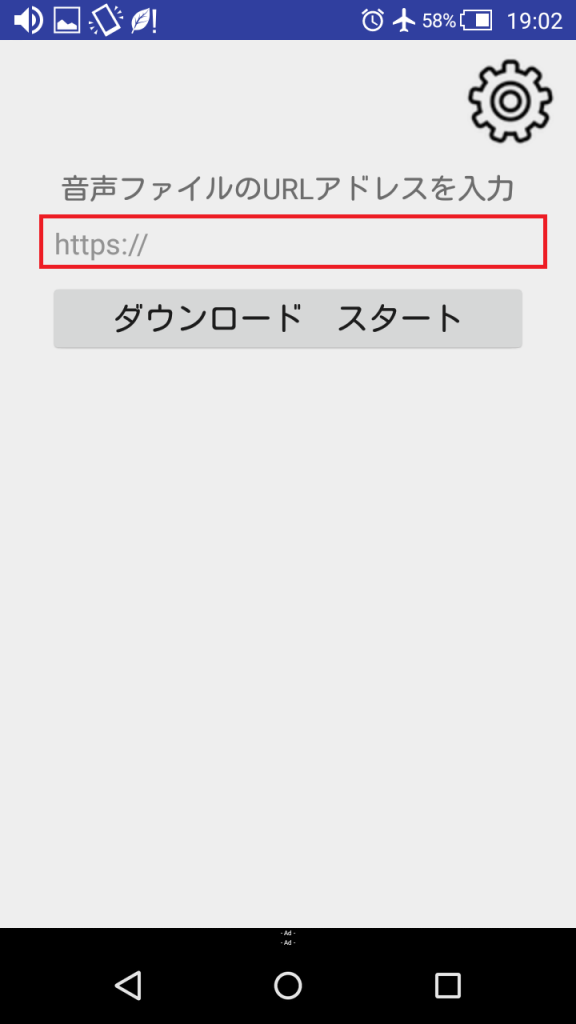
STEP:2

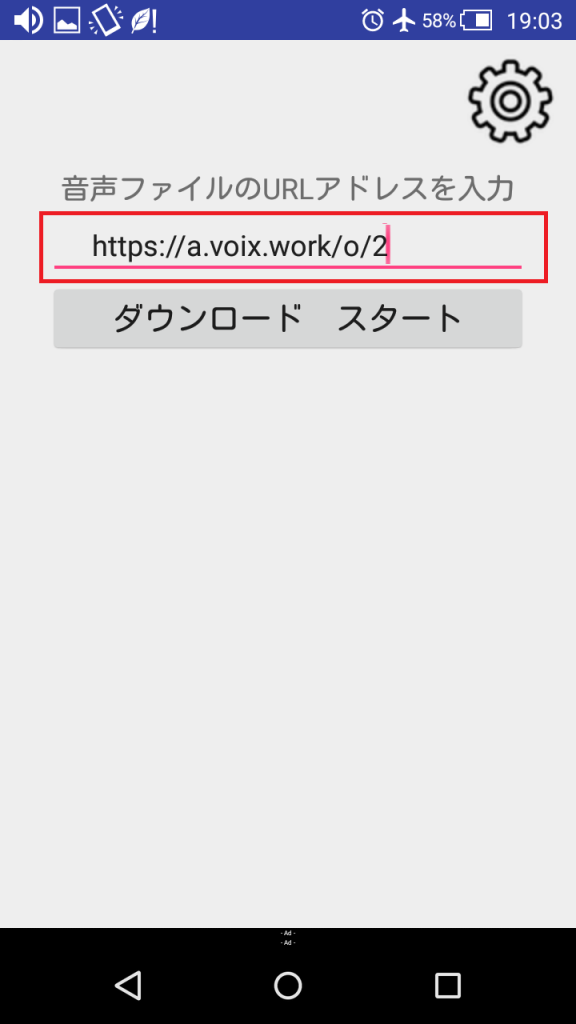
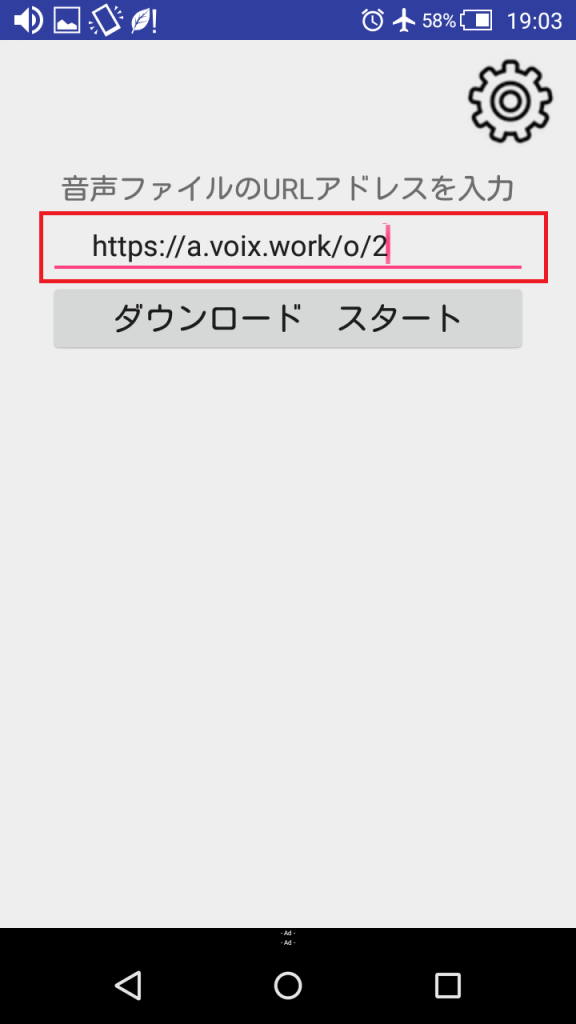
STEP:3

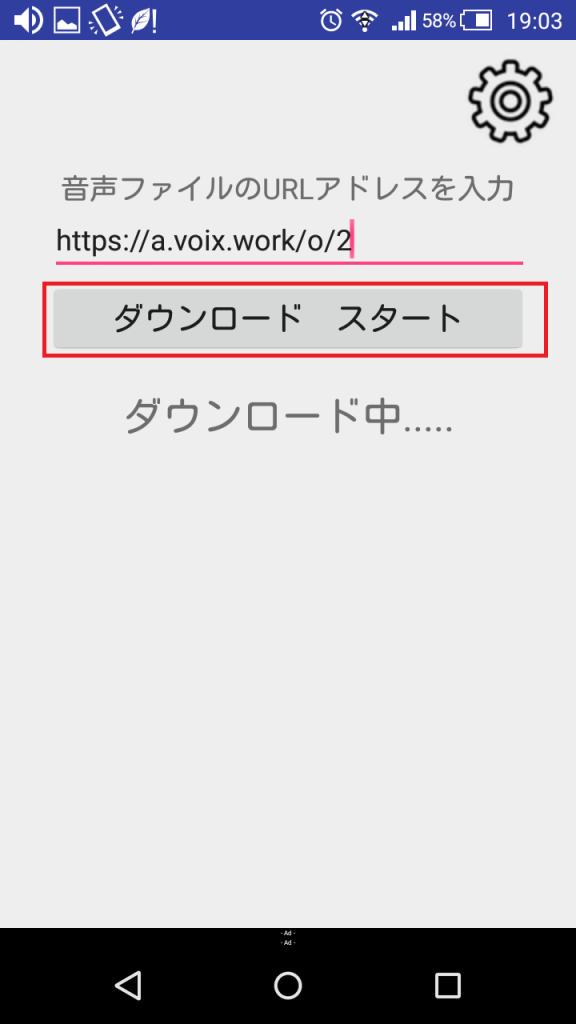
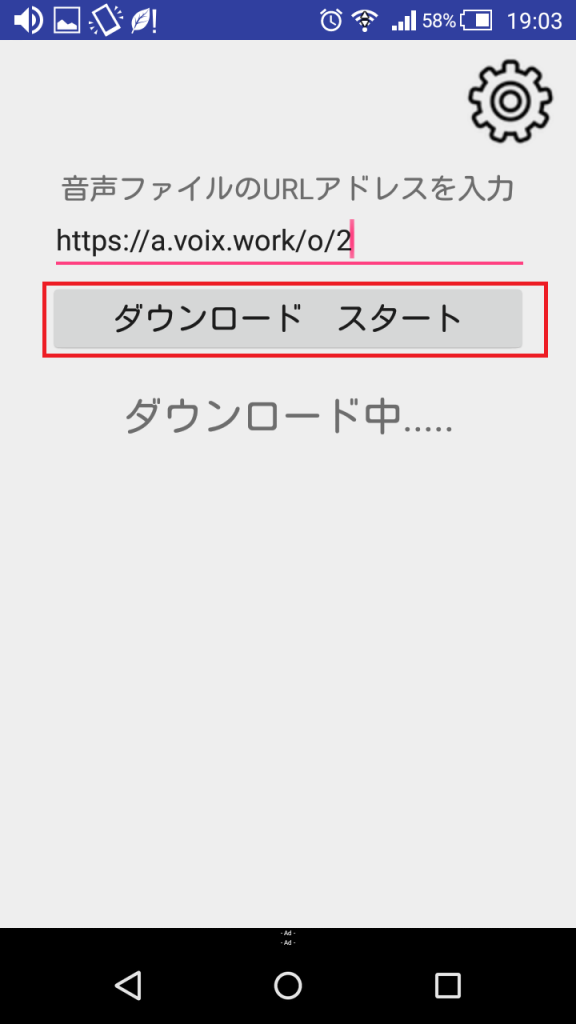
STEP:4

STEP:5

STEP:6

STEP:7

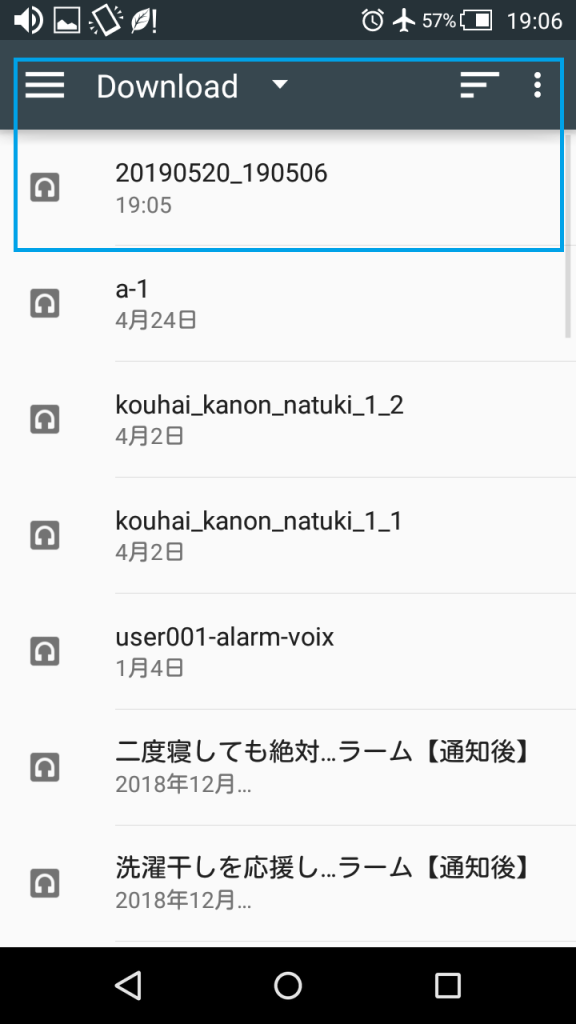
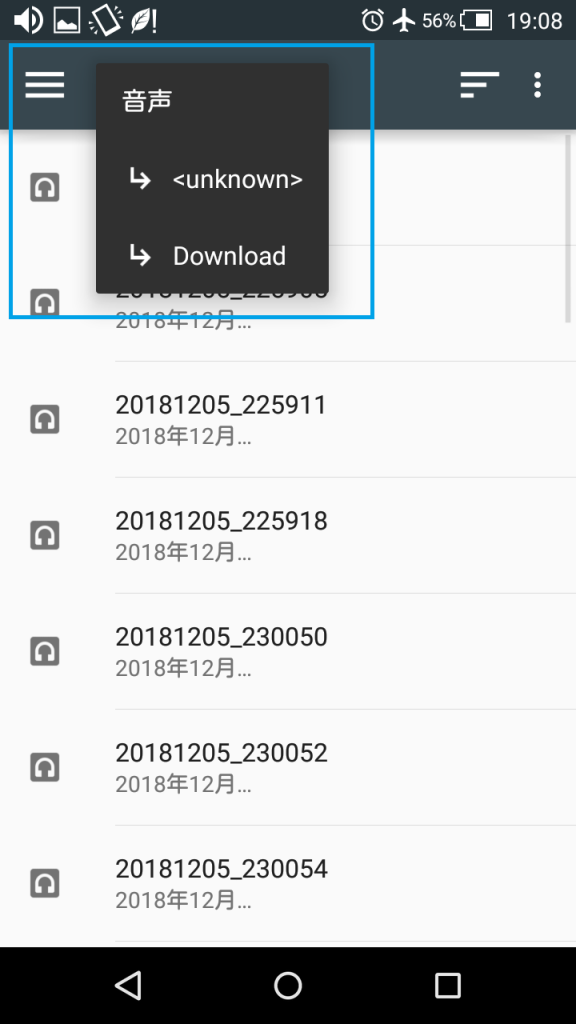
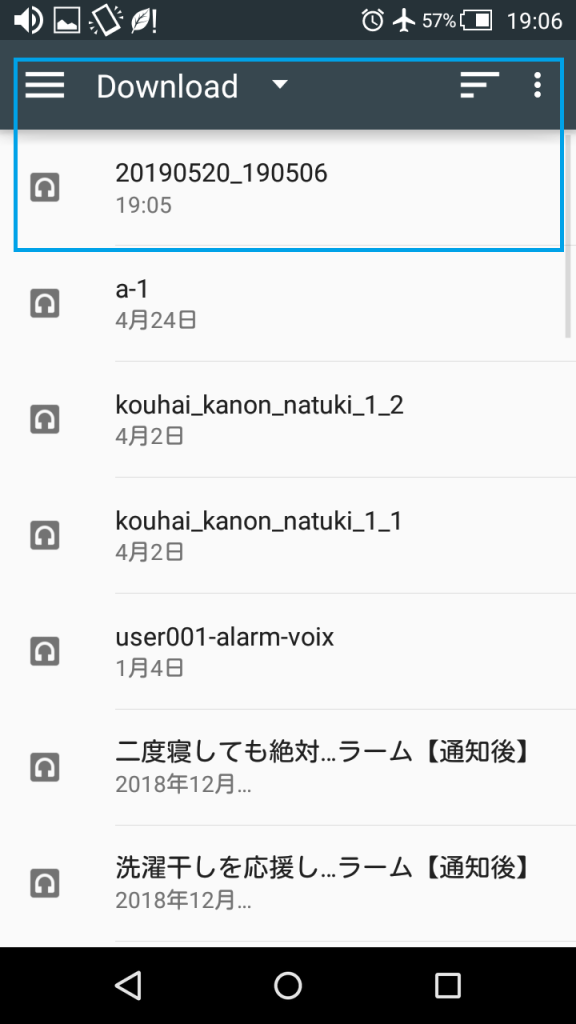
STEP:8 (Confirm download folder)

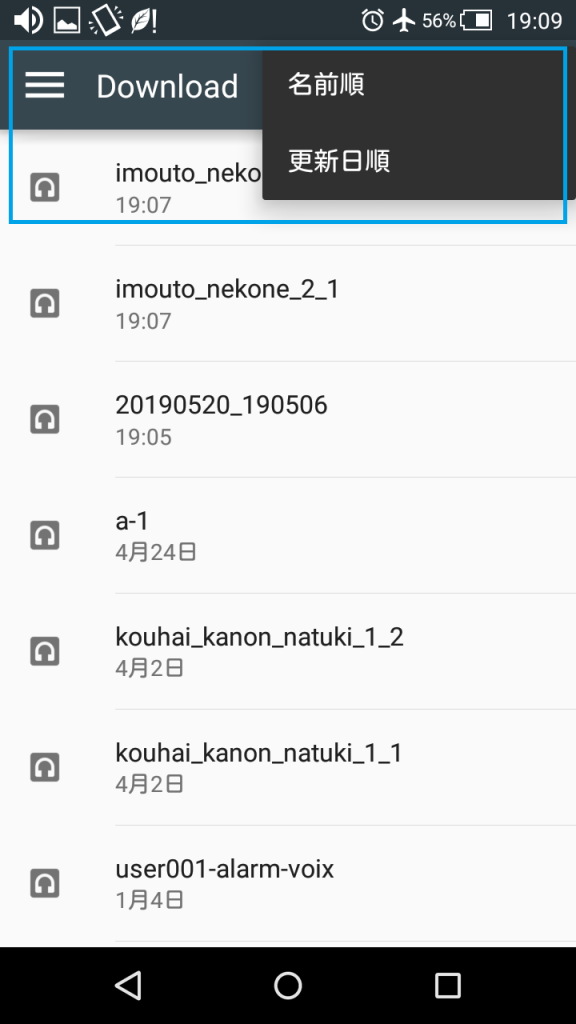
STEP:9 (Sort)

カテゴリー: AlarmVoice | コメントする

AlarmVoice has been released new features and new audio voices. アラームボイスは新機能と新アラームボイスをリリースされました。

Alarm Voice can now get voice from an external voice url address.

And it was provided audio voices from Miss. Suzu(@risz).
Her twitter address. https://twitter.com/_risz_

At first i introduce voices.
After that, i will explain how to use it by the image.

GoodMorning-1_Wake_up_For_AlarmVoice

Language:English
Use:WakeUp
Content:GoodMorning-1
https://a.voix.work/a/12/en
https://a.voix.work/a/12/ja

GoodMorning2_Wake_up_For_AlarmVoice

Language:English
Use:After wakeUp
Content:GoodMorning-2
https://a.voix.work/a/11/en
https://a.voix.work/a/11/ja

A-chan_Wake_up_For_AlarmVoice

Language:Japanese
Use:WakeUp
Name:A-chan
https://a.voix.work/a/2/en
https://a.voix.work/a/2/ja

Dai-kun_Wake_up_For_AlarmVoice

Language:Japanese
Use:WakeUp
Name:Dai-kun
https://a.voix.work/a/3/en
https://a.voix.work/a/3/ja

Kai-kun_Wake_up_For_AlarmVoice

Language:Japanese
Use:WakeUp
Name:Kai-kun
https://a.voix.work/a/4/en
https://a.voix.work/a/4/ja

mi-chan_Wake_up_For_AlarmVoice

Language:Japanese
Use:WakeUp
Name:mi-chan
https://a.voix.work/a/5/en
https://a.voix.work/a/5/ja

Nana-chan_Wake_up_For_AlarmVoice

Language:Japanese
Use:WakeUp
Name:Nana-chan
https://a.voix.work/a/6/en
https://a.voix.work/a/6/ja

Syou-chan_Wake_up_For_AlarmVoice

Language:Japanese
Use:WakeUp
Name:Syou-chan
https://a.voix.work/a/7/en
https://a.voix.work/a/7/ja

You-chan_Wake_up_For_AlarmVoice

Language:Japanese
Use:WakeUp
Name:You-chan
https://a.voix.work/a/8/en
https://a.voix.work/a/8/ja

Great_After_WakeUp_For_AlarmVoice

Language:Japanese
Use:WakeUp
Name:Great
https://a.voix.work/a/10/en
https://a.voix.work/a/10/ja

■How to use for Android

STEP:1

STEP:2

STEP:3

STEP:4

STEP:5

STEP:6

STEP:7

STEP:8 (Confirm download folder)

■How to use for iPhone

STEP:1

STEP:2

STEP:3

STEP:4

STEP:5

SETP:6

STEP:7 (It will be reflected on the alarm voice selection screen)

カテゴリー: AlarmVoice | コメントする